One sentence in. This out.
Every video here started as one sentence. Tap one to hear its song.
Now yours.
Free · no card · ready in about 10 minutes
How it works
Three steps, and about 10 minutes from your sentence to your video.
- 01
A country song about my dog
Write one sentence
Say what the song is about, in any language. The genre and the story come from your words.
- Selfie02
Take a selfie
Your phone or webcam takes it by itself, in a few seconds. It is deleted after 48 hours.
- 03
 PictureAI-generated
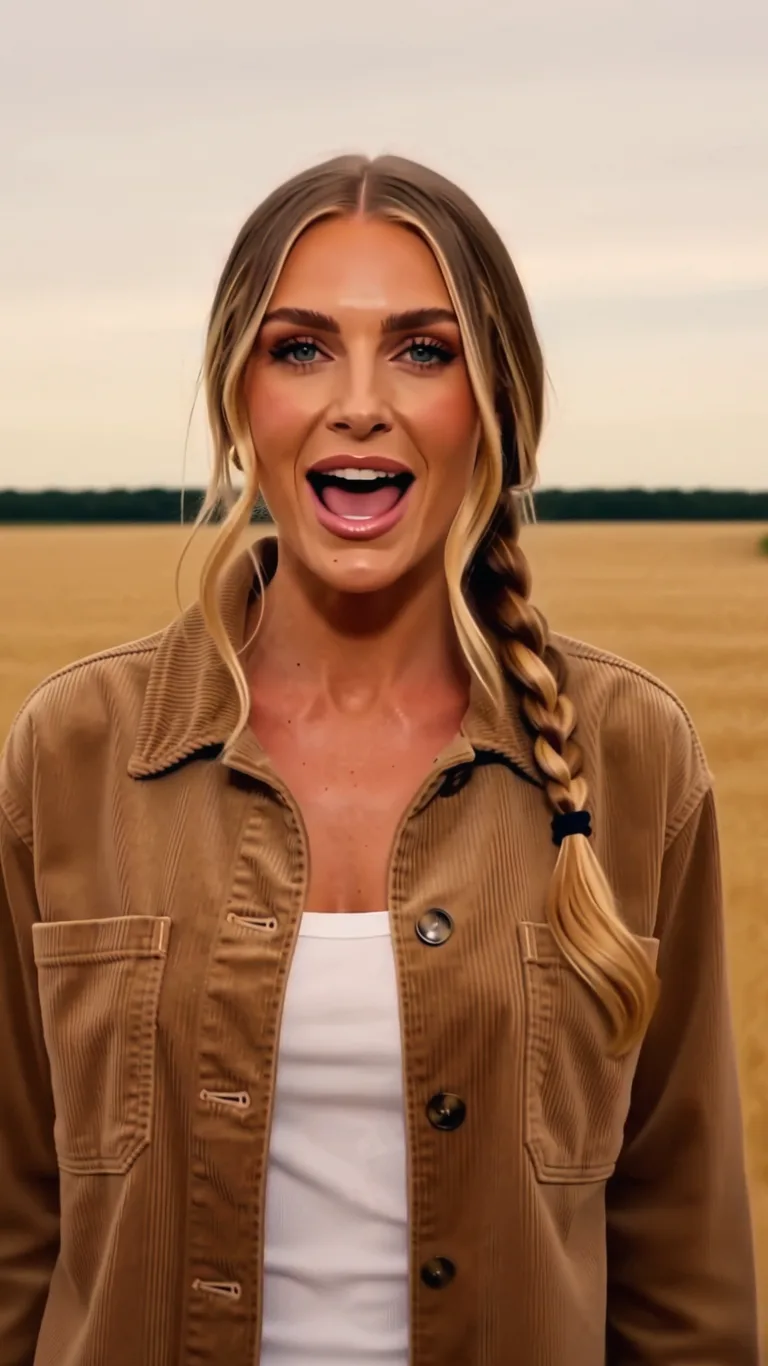 AI-generated
Get your music video
Dafumi 1 writes the song, sings it and films you singing it. We email you when it's ready.
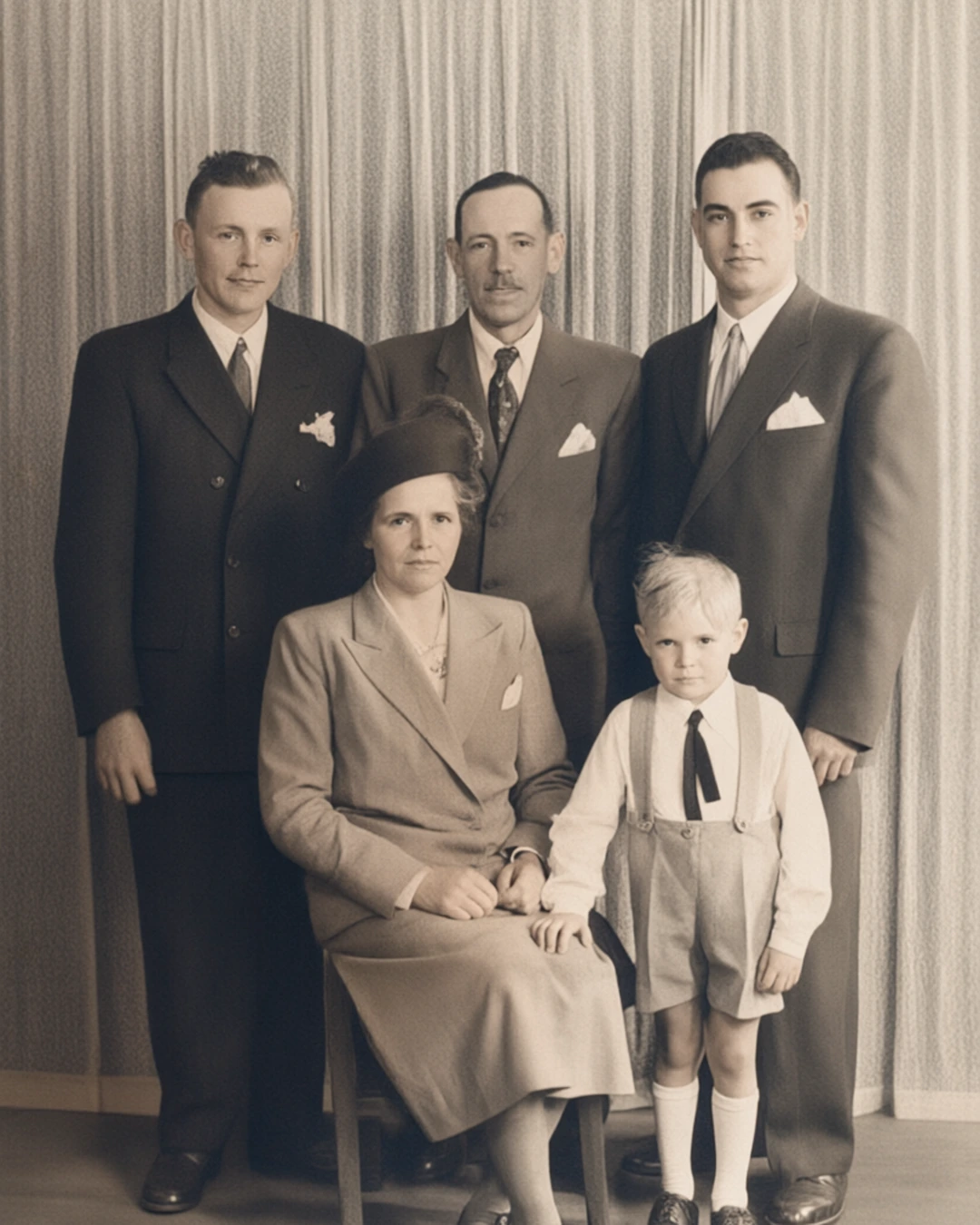
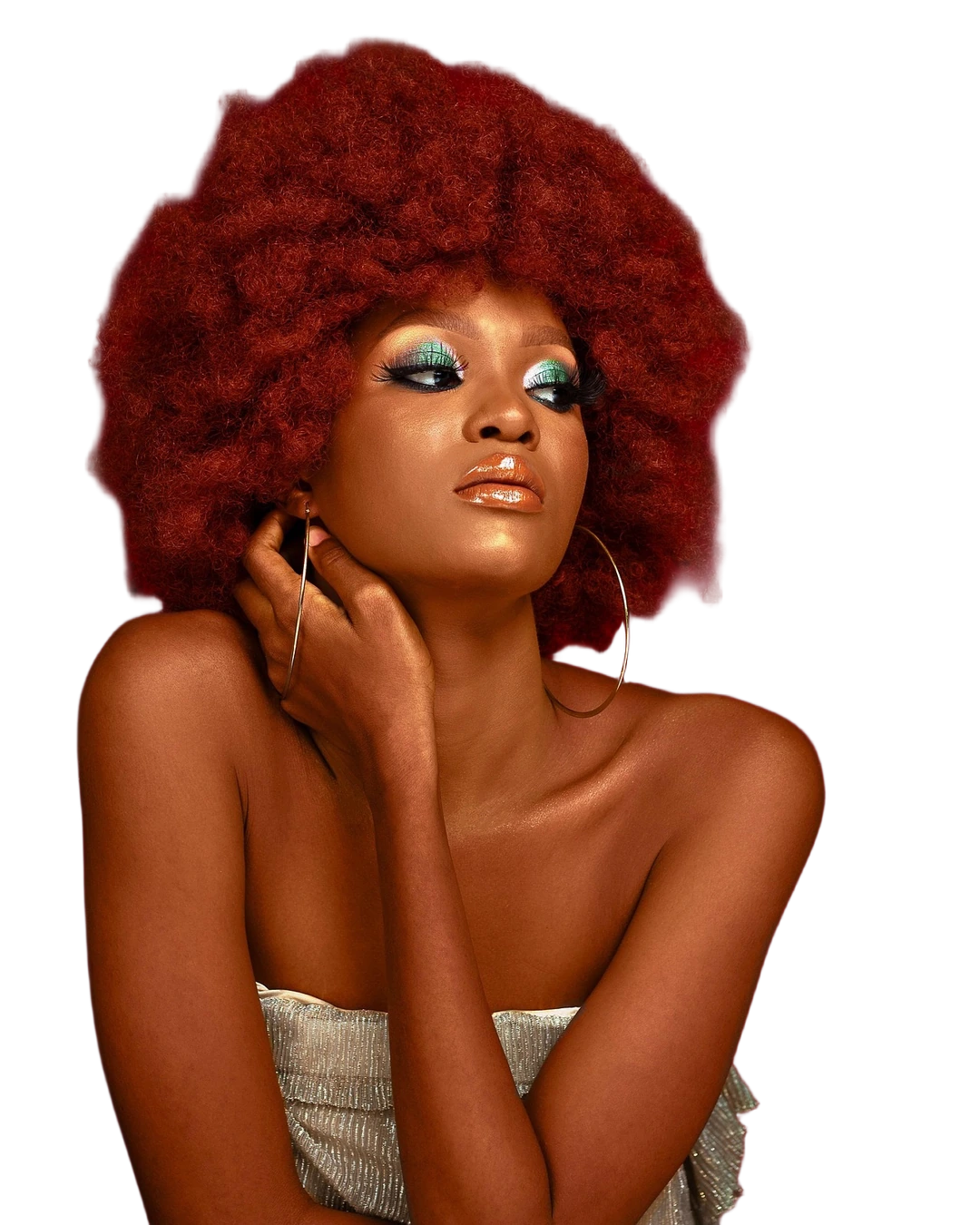
Step 3 shows a video from the gallery beside the picture its singer was made from. She is fictional, and both are AI-generated.
What you get
A finished music video, ready to post.
An original song
Lyrics, melody and vocals written for your sentence, in its language or one you pick.
You as the singer
The same face and outfit in every shot, lip-synced to the vocal.
Ready to post
9:16, 16:9 or 4:5 in 1080p, with subtitles: made for TikTok, Reels and YouTube.
Private, and marked
Your selfie and your video are deleted after 48 hours. Every video is marked as AI-generated.
Free, then more
Every plan makes music videos. The paid ones make more, and longer.
Free · $0
5 seconds, a cut from your song's chorus, with a visible “Generated for free” label. No card.
Starter · $4.99 a month
5 seconds each, with a small AI label.
Pro · $25 a month
Three times Free's length, with a small AI label, and four times Starter's usage.
The rest of the studio
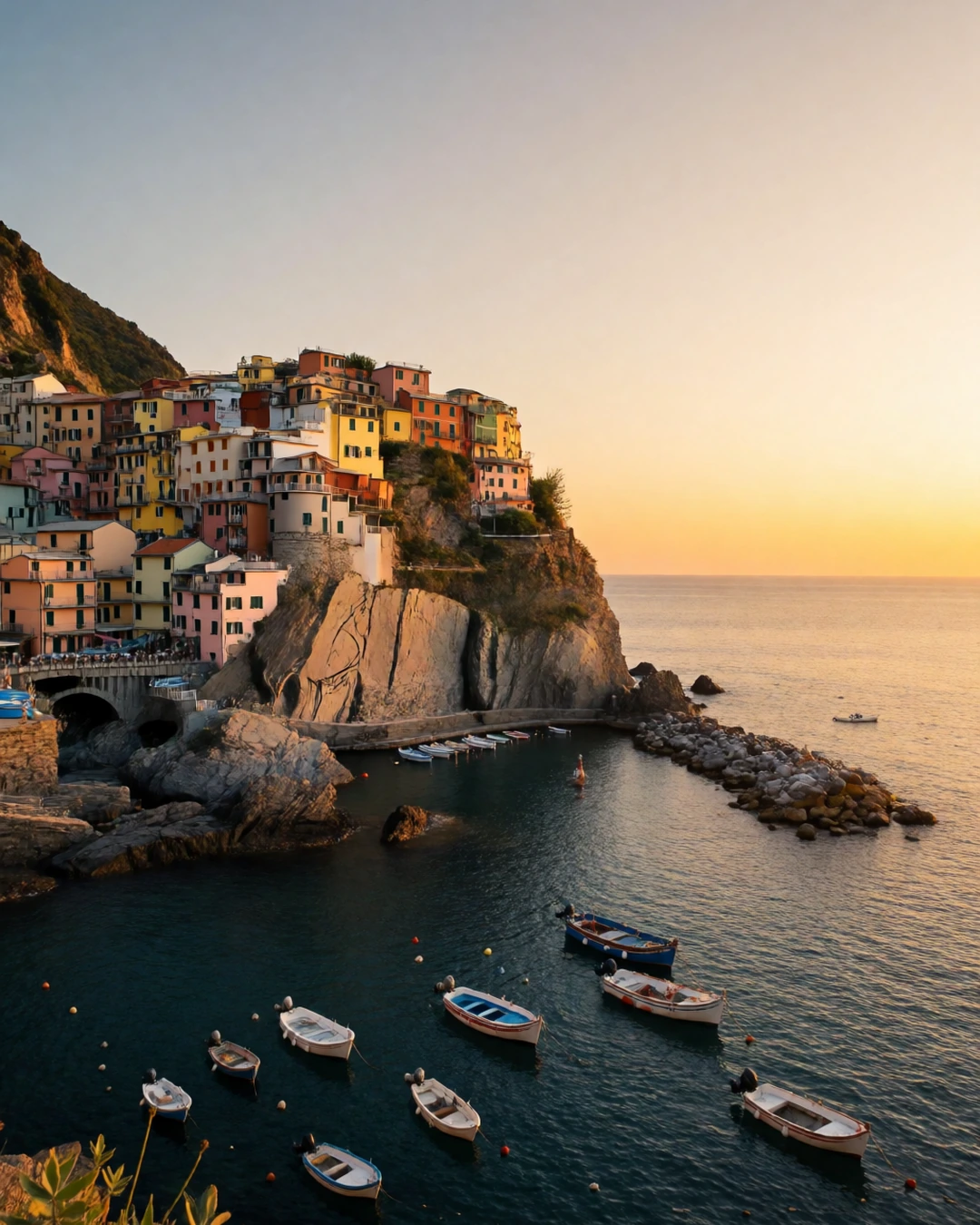
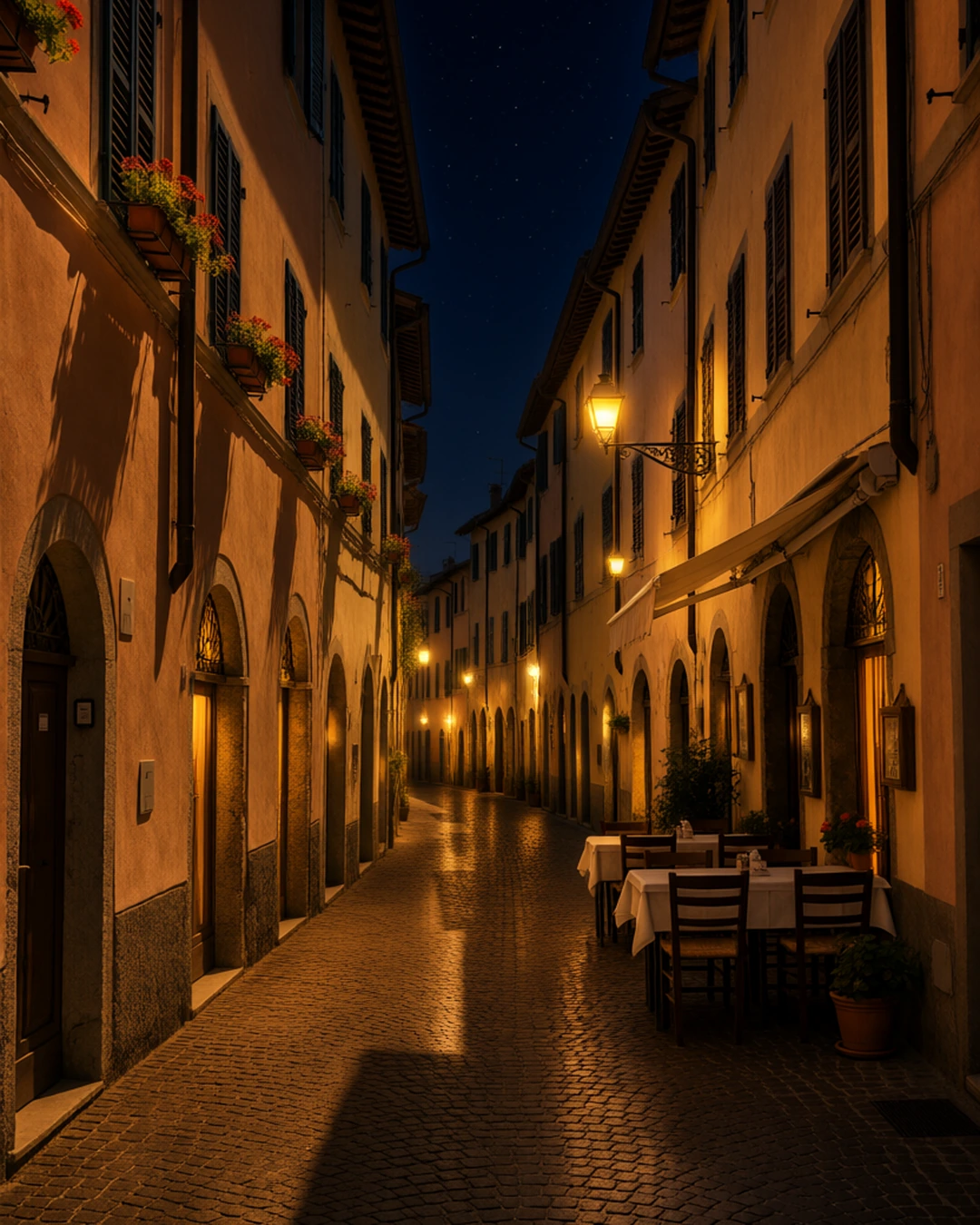
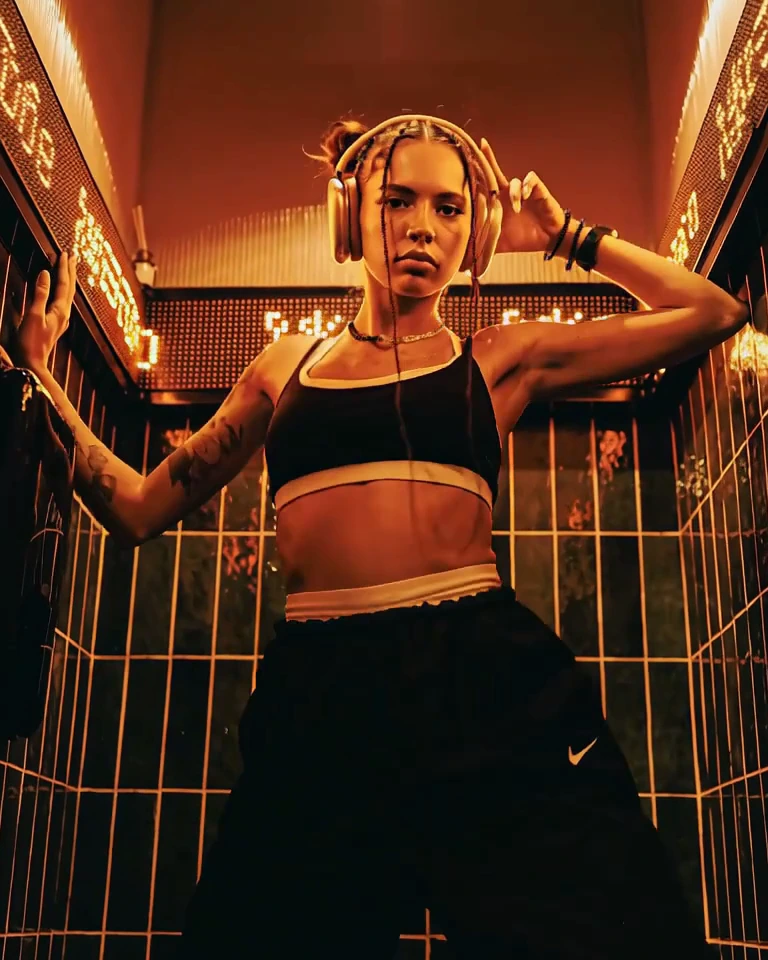
Pictures, photo editing, video and songs, on every plan, Free included.

Before you try
Is GenVista.green free?
Yes. Free has the same tools as the paid plans, with counts: 1 music video a week up to 5 seconds, 5 pictures every 5 hours and 15 a week, 1 clip every 5 hours and 3 a week up to 5 seconds, and 1 song every 5 hours and 3 a week. Its pictures, clips and music videos carry the visible label “AI Generated for free on genvista.green”. You sign up with your email: no card. Paid plans start at $4.99 a month.
How long does a music video take?
About 10 minutes for a 5-second video once it starts, longer for a longer video or when many are being made at once. We email you when it's ready, so you can close the page.
What happens to my selfie?
It stays on your device until you choose it, then it's used only to make and check that music video, and deleted 48 hours after you make it, however it ends. The video itself is deleted at the same time, like everything in your gallery: download it to keep it.
Who owns what I make?
You keep whatever rights you hold in the images and videos you generate, as set out in the Terms of Service. Models from CivitAI carry their own license terms, so check the license of a CivitAI LoRA you add before using a result commercially.
Does GenVista.green mark what I make?
Yes. What you make with AI carries a visible label in the top right corner: “AI Generated for free on genvista.green” on Free and during a trial, the small “AI genvista.green” on Starter and Pro, and nothing visible on Max and Ultra unless you add it. On every plan, what you make generally carries two invisible marks that say it was made with AI, by GenVista.green: a signed label in the file and a watermark hidden in the pixels, frames or sound. A music video carries the signed label only, with no watermark in its frames or sound. They hold no personal data: they never say who made the file or what the prompt was. Our Terms forbid removing or tampering with them on purpose. Anyone can check a file on the Check a file page, linked in the site's footer.
More questions
What is GenVista.green?
GenVista.green is an online AI studio, led by Dafumi 1, our music video model: write one sentence, take a selfie, and Dafumi 1 makes a music video of you singing an original song. The same studio creates pictures from words, edits photos with words, turns photos into clips with sound and makes songs, with the same tools on every plan, Free included. It runs in the browser at www.genvista.green, with no credits to buy.
What is Dafumi 1?
Our first music video model. One sentence in any language and a quick selfie go in; a finished music video comes out. Dafumi 1 writes the lyrics and the melody, sings them in your sentence's language or one you pick, films you as the singer on the beat, lip-synced to the vocal, then cuts the video in 1080p, ready to post, in the shape you choose: 9:16 for TikTok, Reels and Shorts, 16:9 for YouTube, or 4:5. On every plan, a photo you upload can take the selfie's place.
How do the limits work?
You never buy credits. Free counts what you make. Each paid plan has two limits that refill on their own, one every 5 hours and one every week (Ultra has only the weekly one), and some tools show what a job uses before you start it. A job that fails on our side gives it back. The pricing page has each plan's numbers.
Do I need to install anything?
No. GenVista.green runs in the browser on any phone, tablet or computer, and every job renders on our GPUs. There is nothing to set up, no model files to download and no graphics card needed.
Who can see what I make?
You. Your gallery is private to your account, and nothing you make is shown to other users. We can look at a job while it exists, where needed to help you, keep the Service safe or meet legal duties. Everything, your uploads included, is deleted automatically 48 hours after the job was created, so download the keepers.
Why was my job refused?
Jobs pass automatic safety checks: prompt filters, picture checks, an under-18 check on realistic pictures and drawings, and, for some jobs, real-person checks. The message names the check that stopped it. Checks can be wrong: if you think one was, email support@genvista.green, ideally within 48 hours while the job still exists, and ask for a review.
How do I delete my account?
In the GenVista Pictures app, open Account and tap Delete account. On the web, email privacy@genvista.green from the address you sign in with. A plan billed on the website is cancelled with the account. A plan bought in the App Store or Google Play has to be cancelled there.
Your song is one sentence away.
Free · no card · ready in about 10 minutes