
AI background remover
Cut out the subject of any photo in one click, on transparency, white or black, at the photo's full size.

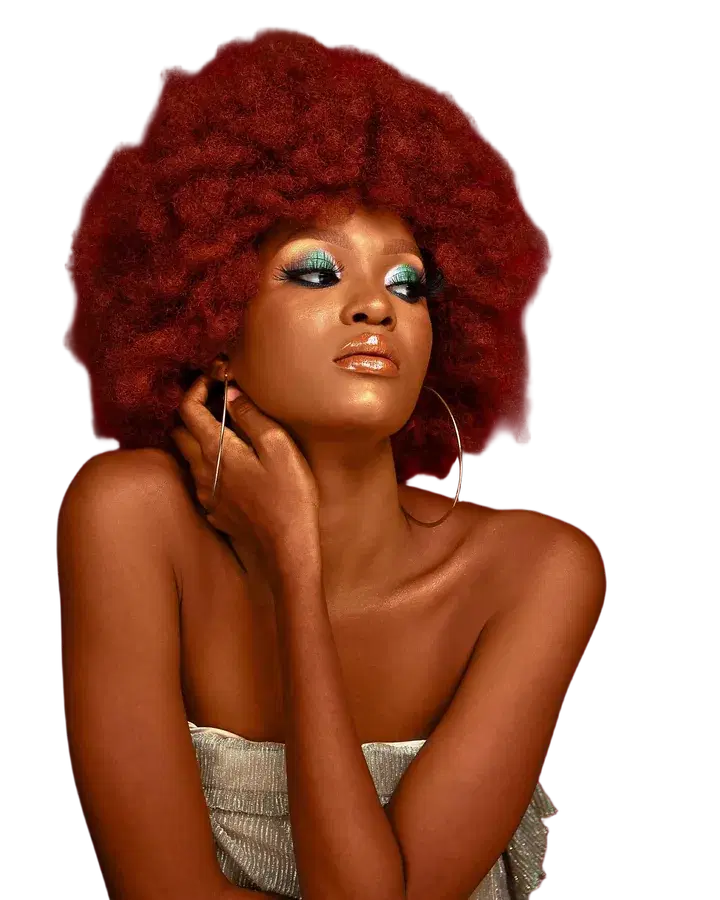 BeforeTransparent
How it works
Upload a photo.
Pick transparent, white or black.
Download the cut-out.
What people use it for
- Product photos for shops
- Stickers and logos
- Profile pictures
Questions
What file do I get?
A PNG with the subject on transparency, or on white or black.
Can I put the subject somewhere new?
Yes: Replace the background puts them in any scene you describe.
How much does it cost?
It comes with Pro and Max: one flat monthly price, no credits. New members can try Pro 7 days for $1.
More tools like this
All tools
 BeforeTaller
Expand a photo
Make a photo wider or taller. The new space is filled in to match.
Pro and Max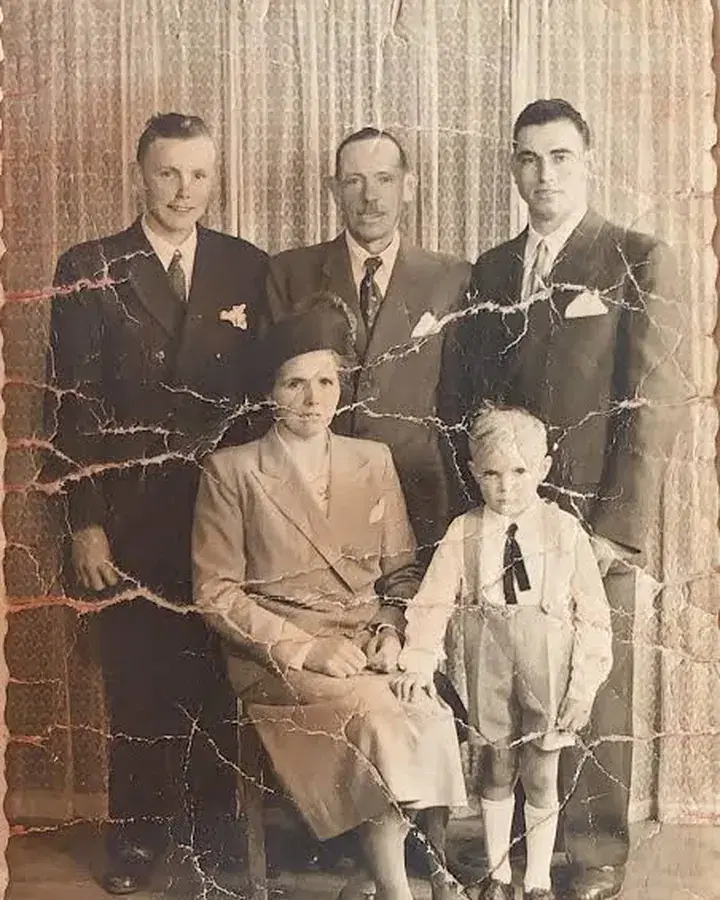
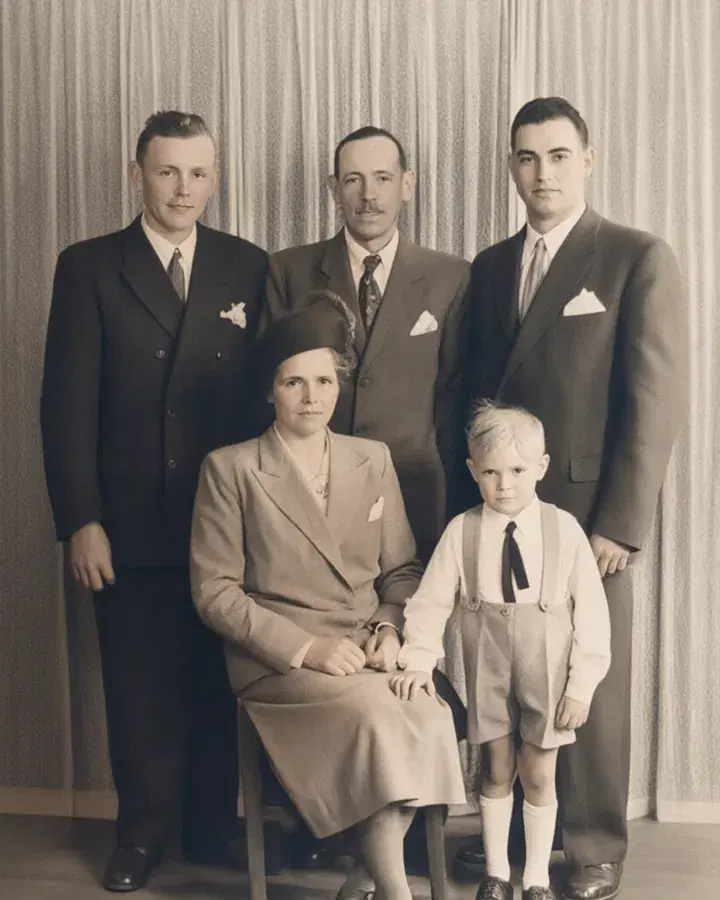 BeforeRestored
Restore an old photo
Repair scratches, blur and faded colours, and bring back lost detail.
Pro and Max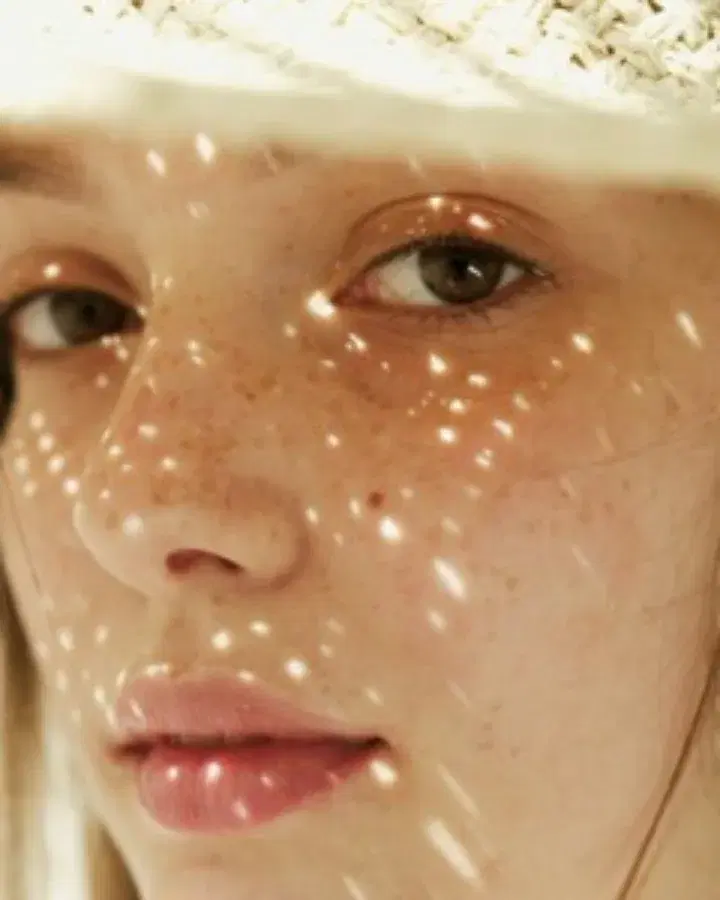
 Small photo4x
Upscale a photo
Make a small photo two or four times larger, sharper and cleaner.
Pro and MaxA coastal village at sunset, colorful houses on a cliff, fishing boats in the harbor
 Your wordsPhoto
Create a realistic image
Describe a picture in your own words and get a lifelike photo.
In every plan
Try everything for 7 days — $1
Every tool, any model, video with sound. Cancel anytime.