
Remove or replace objects in photos
Paint over what you want gone, or over the spot where something new should go, and say what. Nothing outside the marked area changes.
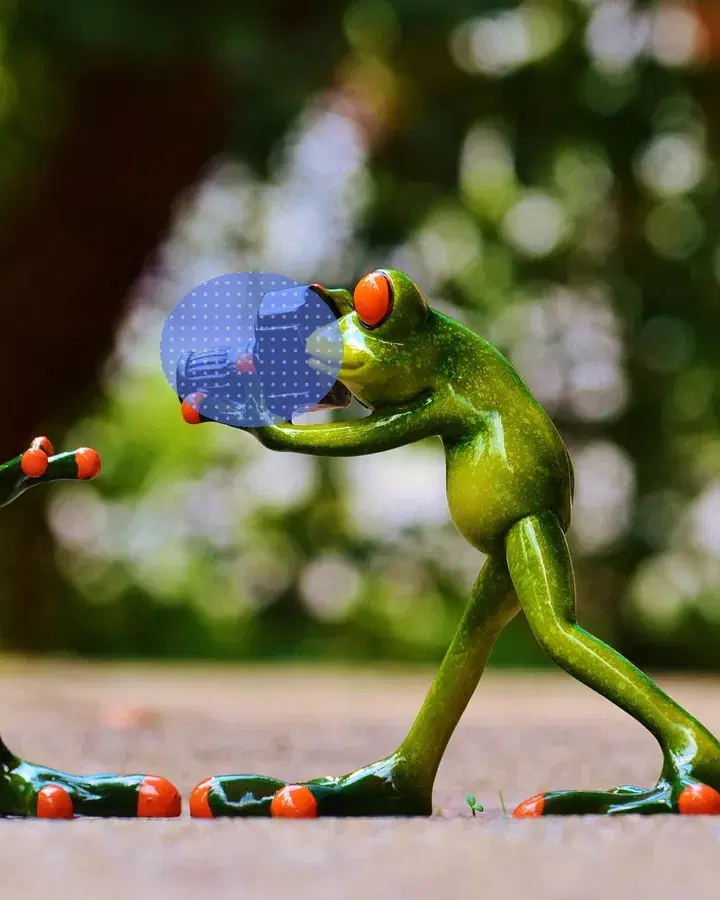
 MarkedAfter“a bouquet of red roses”
How it works
Upload a photo and mark the area.
Erase it, or say what goes there.
Download the clean result.
What people use it for
- Removing people and clutter
- Fixing product photos
- Adding objects that weren't there
Questions
Can it select things for me?
Yes: name what to mark, like "the car", and auto-select draws the area for you.
Will the rest of my photo change?
No. Only the marked area is redrawn; everything else is your original pixels.
How much does it cost?
It comes with Pro and Max: one flat monthly price, no credits. New members can try Pro 7 days for $1.
More tools like this
All tools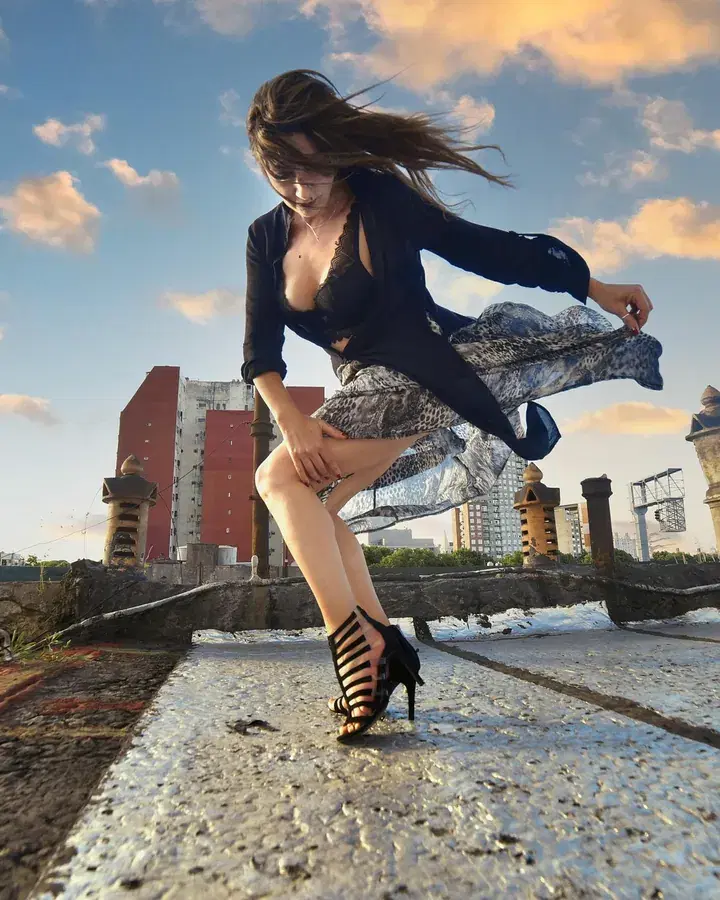
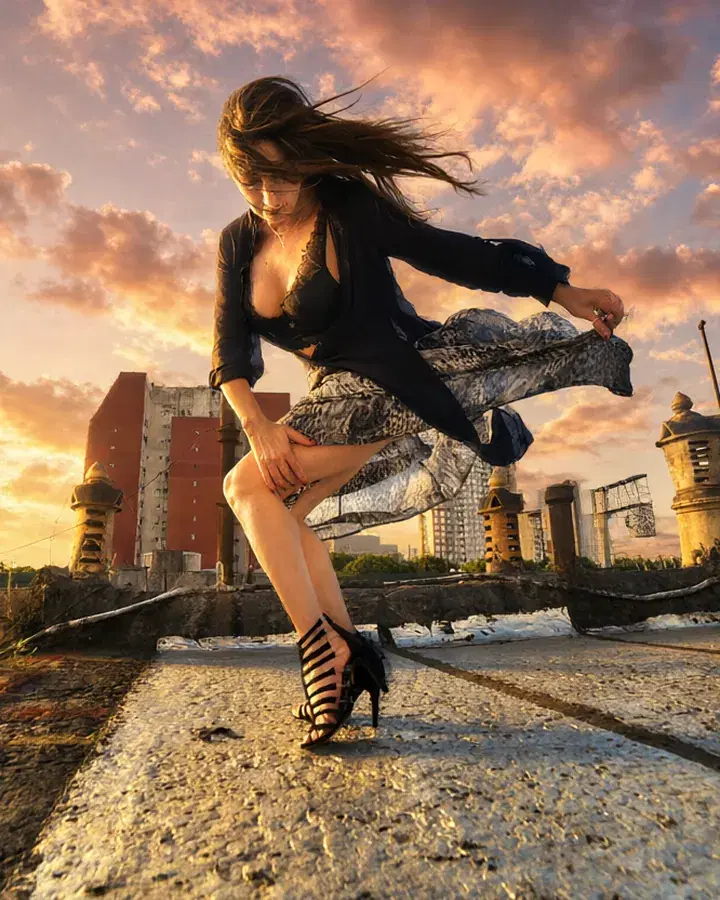 BeforeAfter“Make it golden hour, with a glowing sunset sky.”
Edit with words
Say what should change, and the photo changes to match.
In every plan
 BeforeAfter“A neon-lit city street at night”
Replace the background
Keep the people, put them anywhere you say: a beach, a city at night.
Pro and Max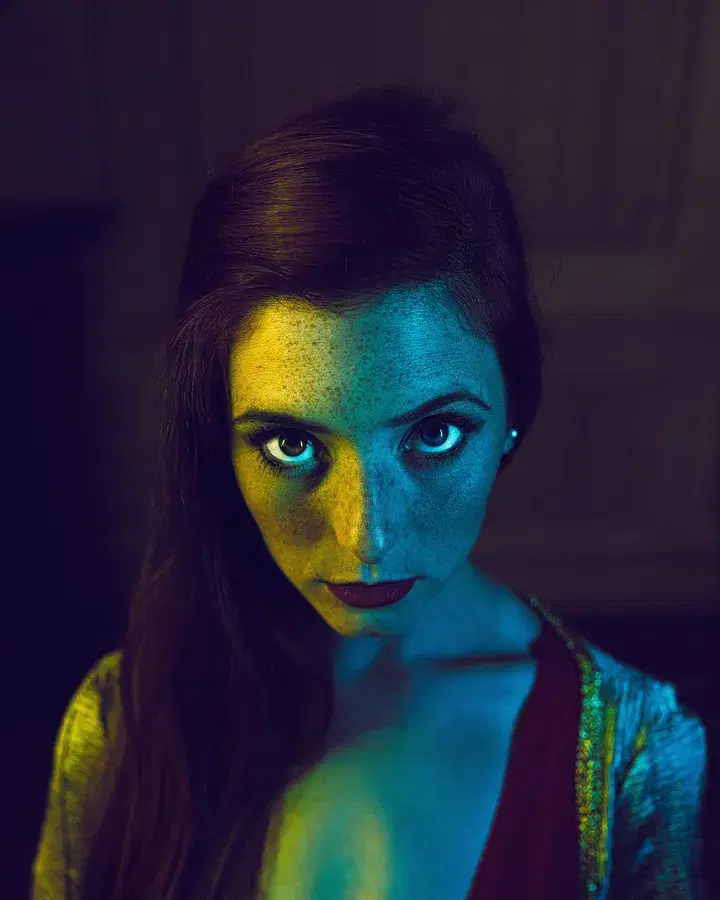
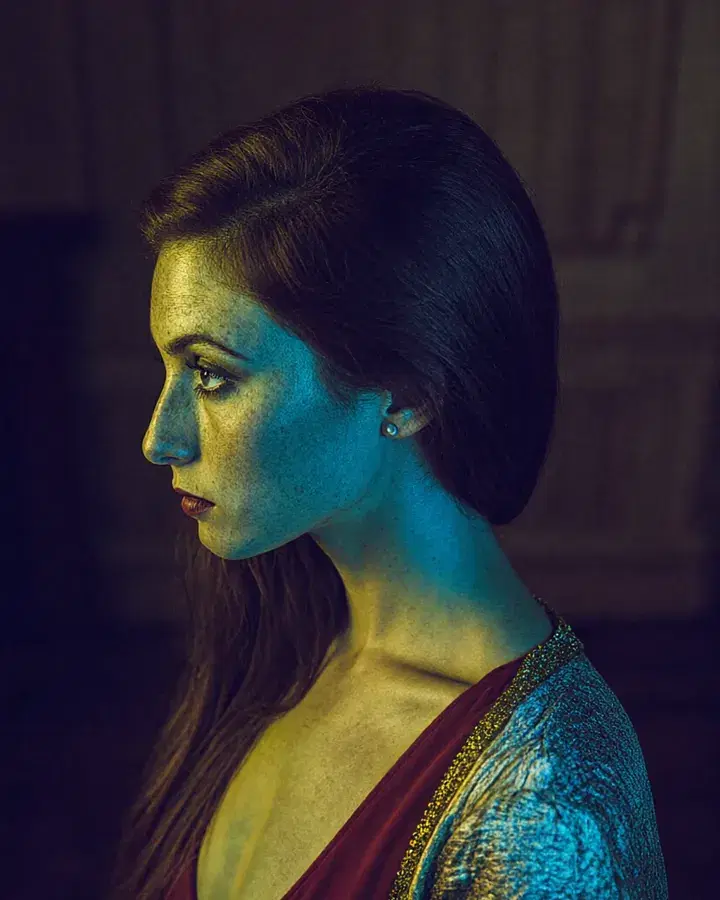 BeforeFrom the side
Change the angle
See your photo from the side, from above, from below or closer up.
Pro and Max
 Your photoAnime
Turn a photo into art
Redraw your photo as anime, a watercolour, an oil painting, a 3D cartoon and more.
Pro and Max
Try everything for 7 days — $1
Every tool, any model, video with sound. Cancel anytime.