
AI tools for images and video
One tool for each job, in plain words. Pick what you want to do — each one asks only for what it needs and does the rest.
Create pictures
A coastal village at sunset, colorful houses on a cliff, fishing boats in the harbor
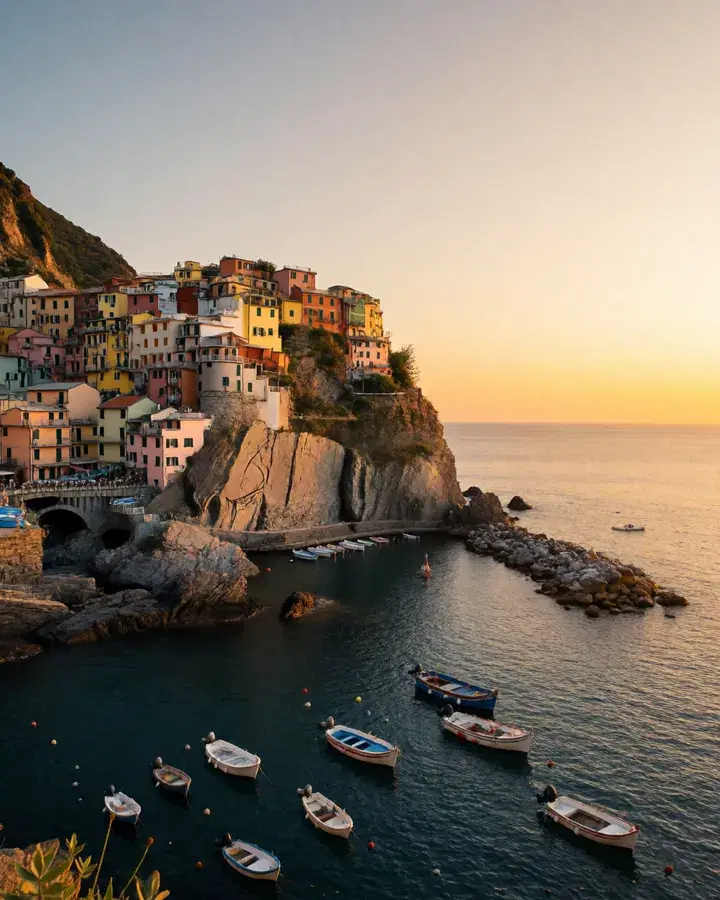 Your wordsPhoto
Create a realistic image
Describe a picture in your own words and get a lifelike photo.
In every planA coastal village at sunset, colorful houses on a cliff, fishing boats in the harbor
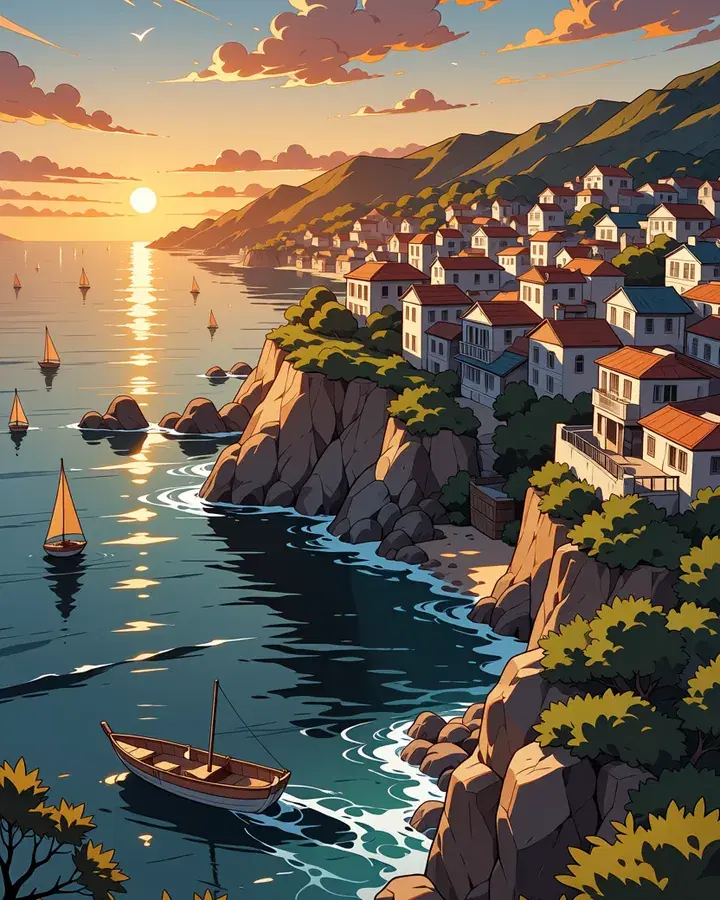 Your wordsCartoon
Create a cartoon image
Describe a picture in your own words and get an anime or cartoon drawing.
In every planA treehouse glowing at dusk in a misty pine forest, string lights along its rope bridge
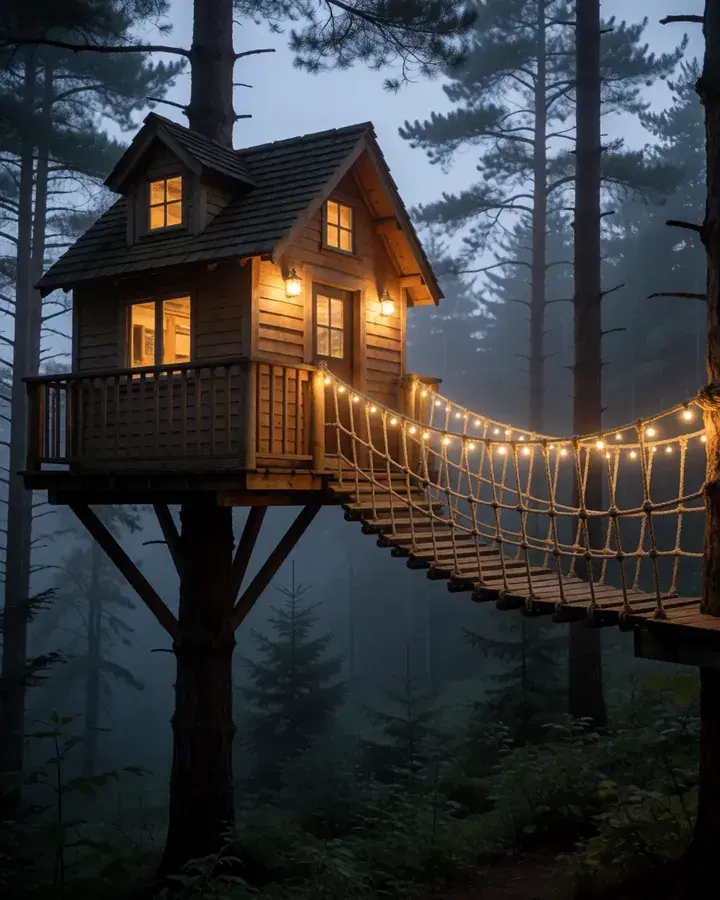 Your wordsPicture
Use custom models from CivitAI
Thousands of CivitAI models and styles. We suggest a match — you can change everything.
Pro and Max
Edit photos
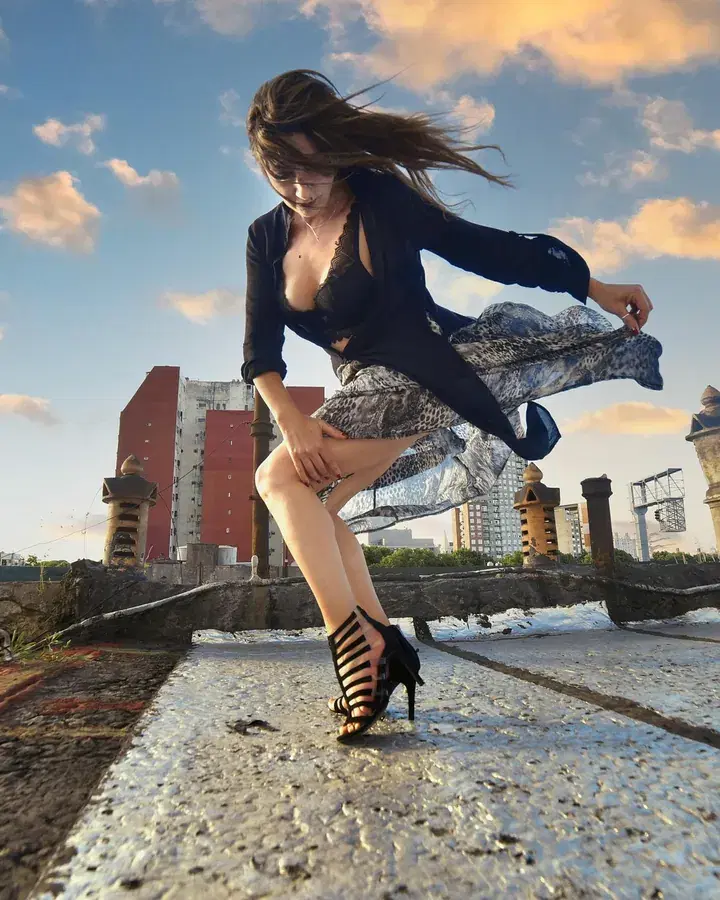
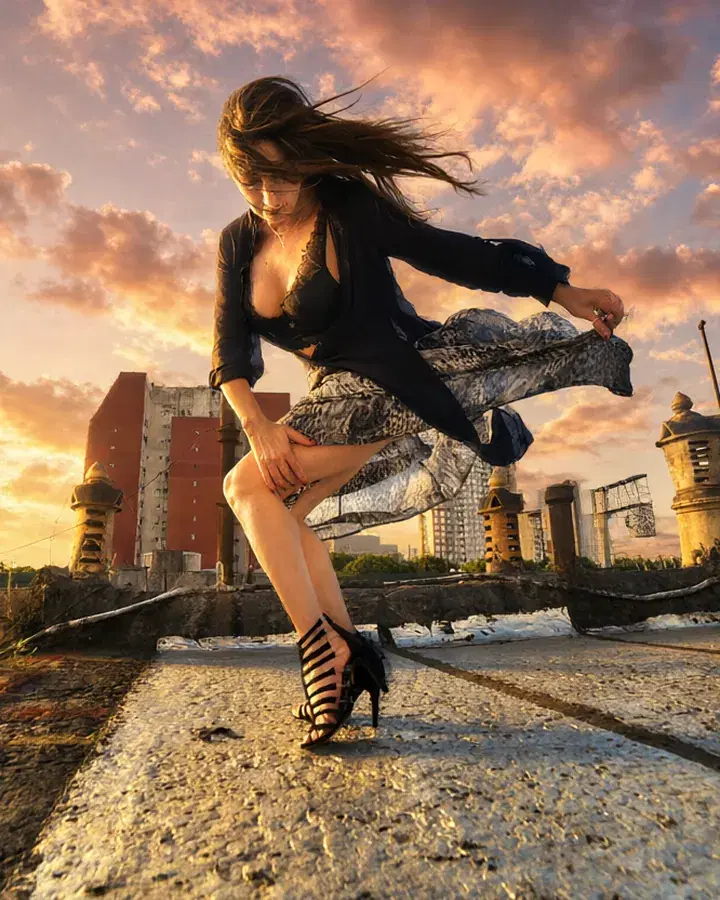 BeforeAfter“Make it golden hour, with a glowing sunset sky.”
Edit with words
Say what should change, and the photo changes to match.
In every plan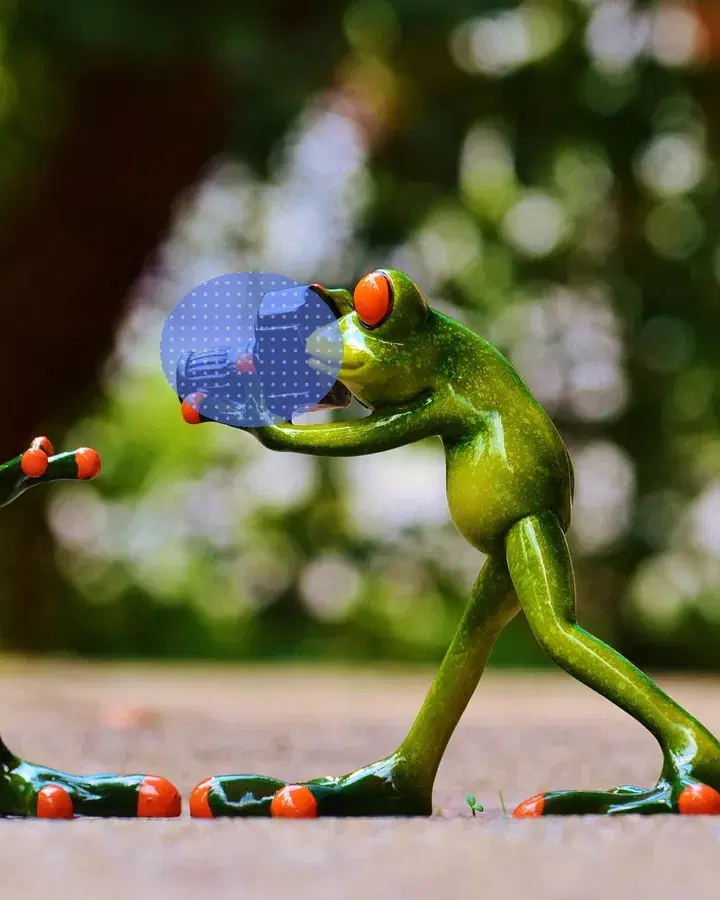
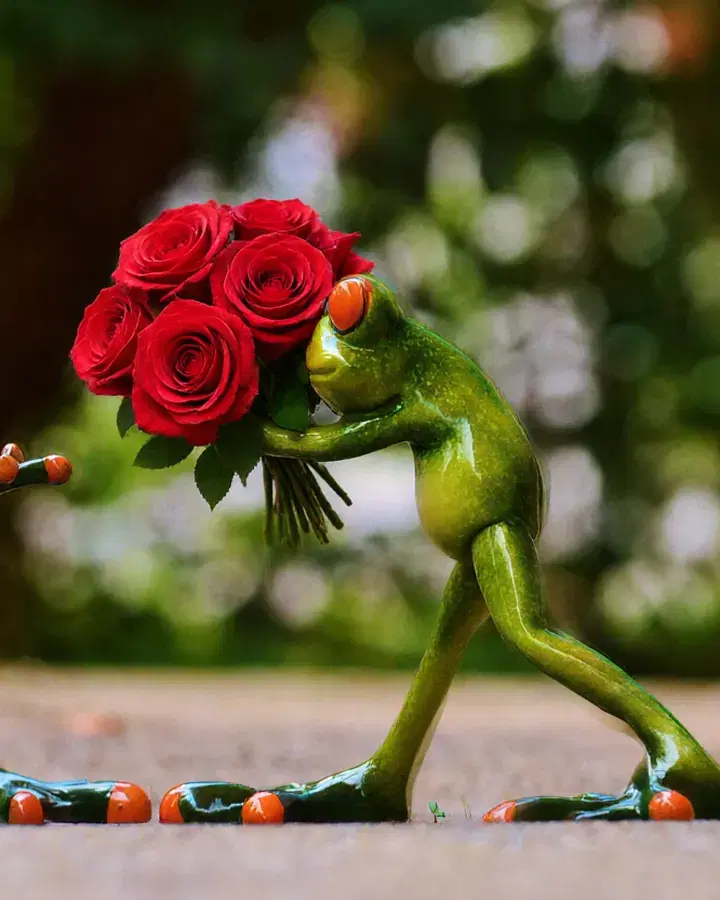 MarkedAfter“a bouquet of red roses”
Edit part of a photo
Mark an area, then say what goes there — or erase it. Nothing else changes.
Pro and Max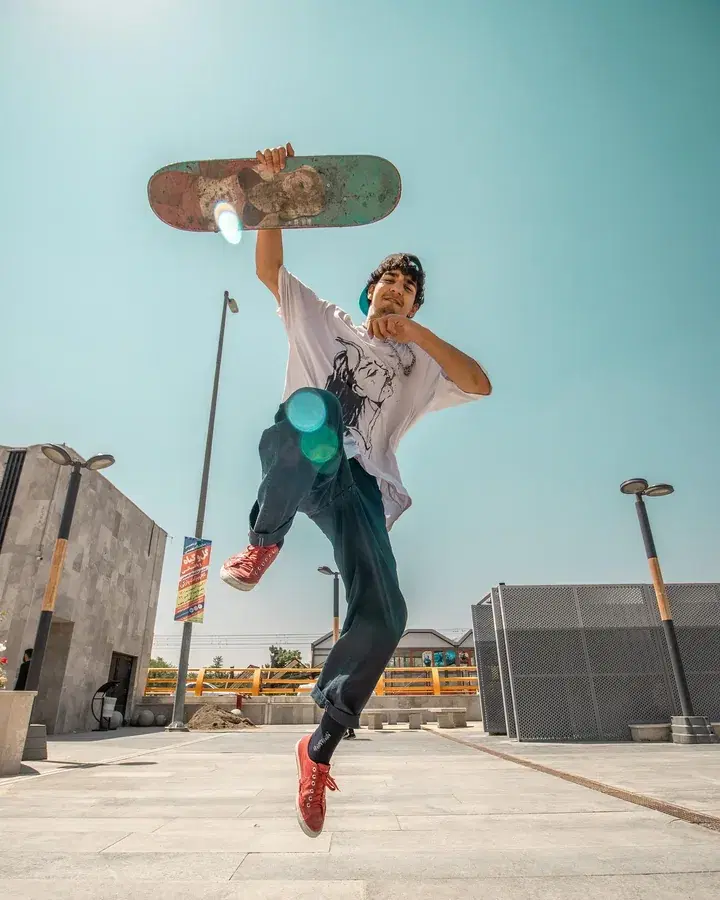
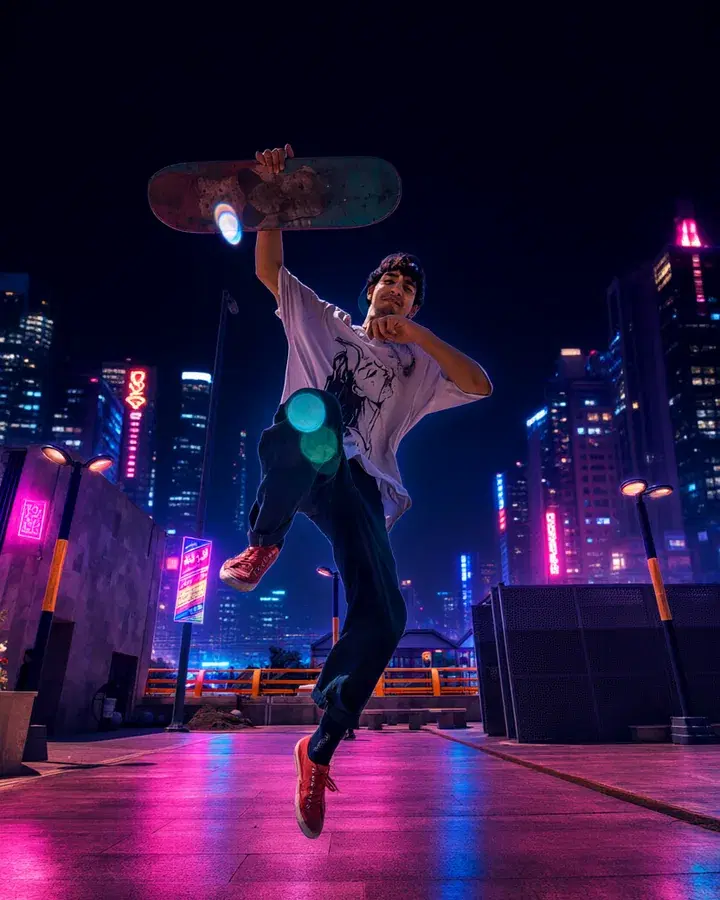 BeforeAfter“A neon-lit city street at night”
Replace the background
Keep the people, put them anywhere you say: a beach, a city at night.
Pro and Max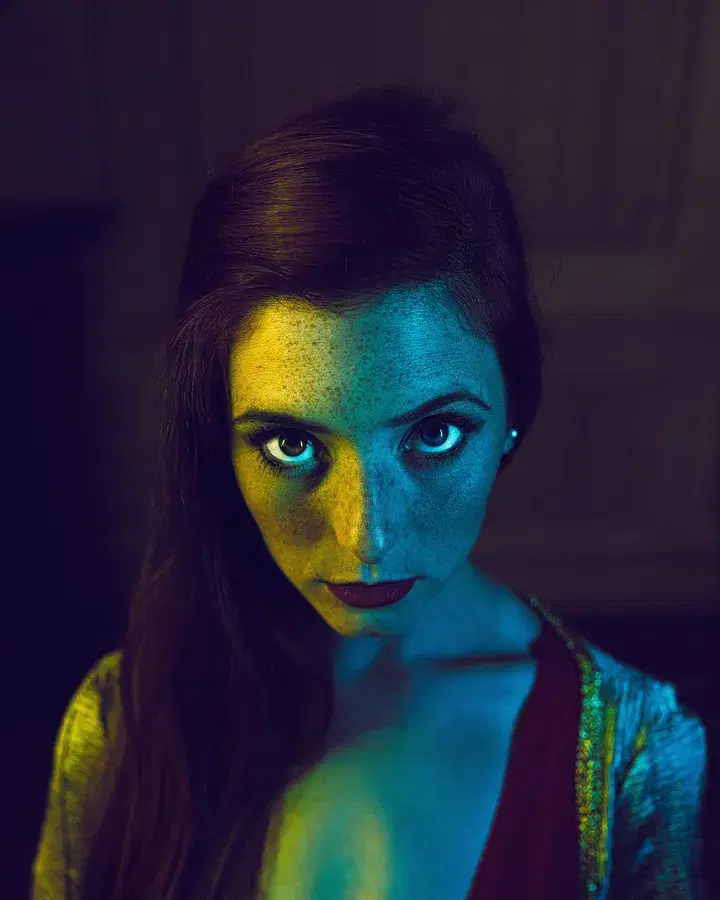
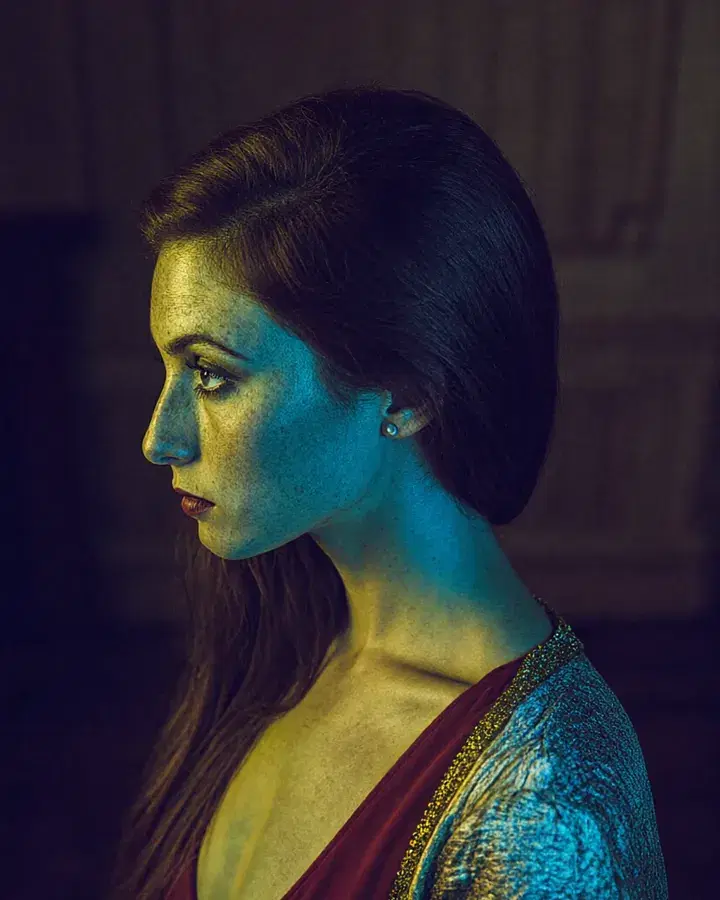 BeforeFrom the side
Change the angle
See your photo from the side, from above, from below or closer up.
Pro and Max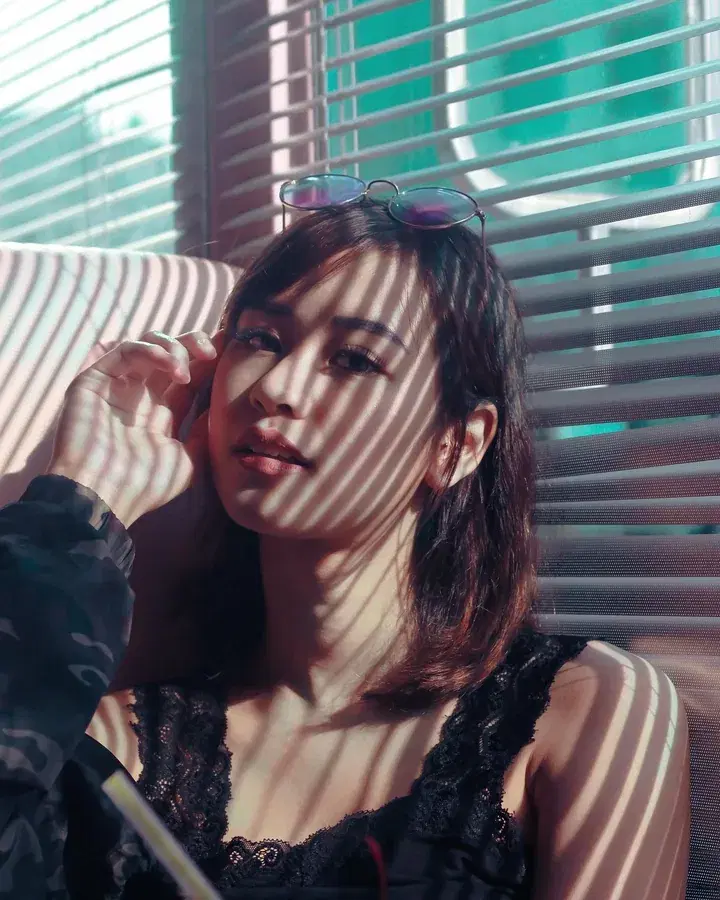
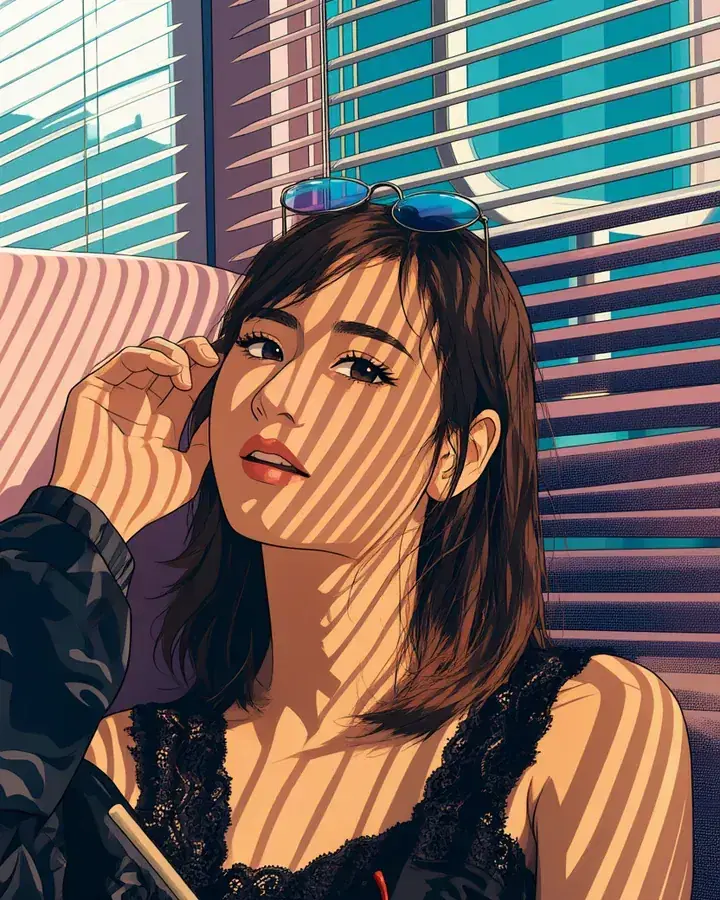 Your photoAnime
Turn a photo into art
Redraw your photo as anime, a watercolour, an oil painting, a 3D cartoon and more.
Pro and Max
Try on clothes and shoes
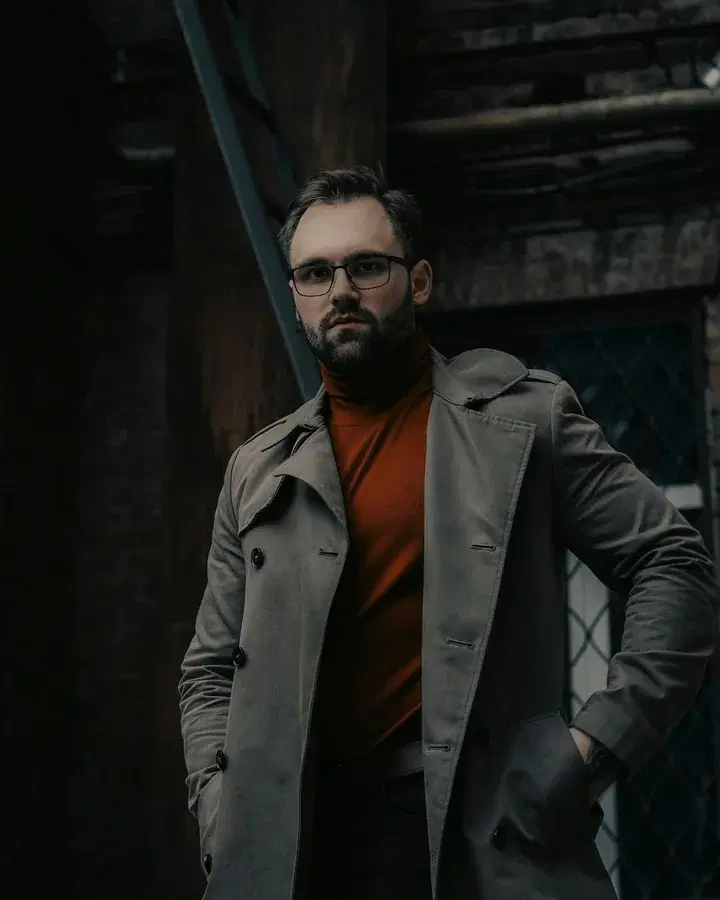
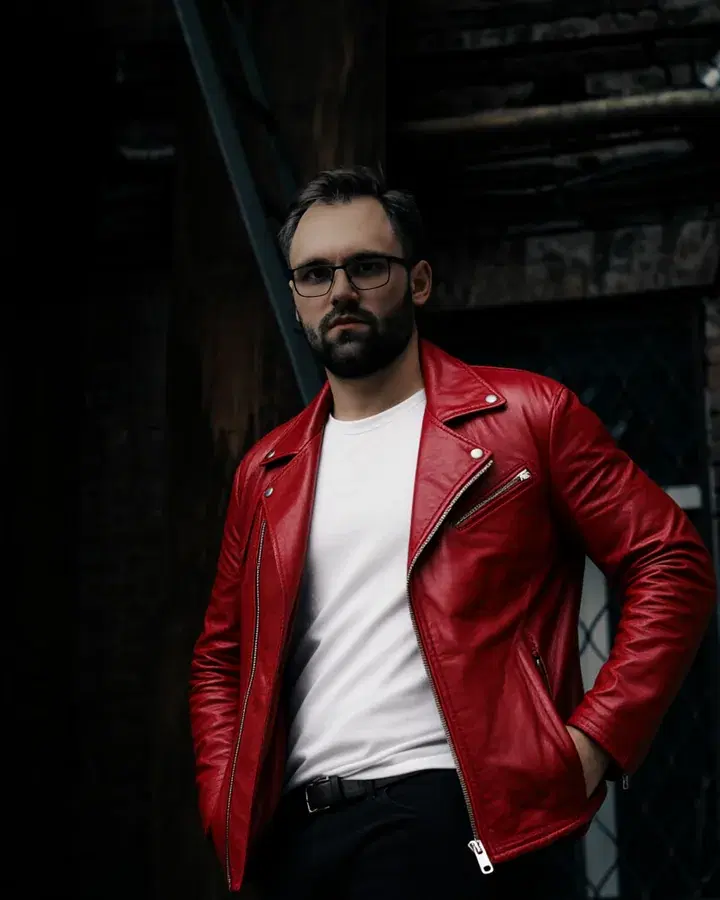
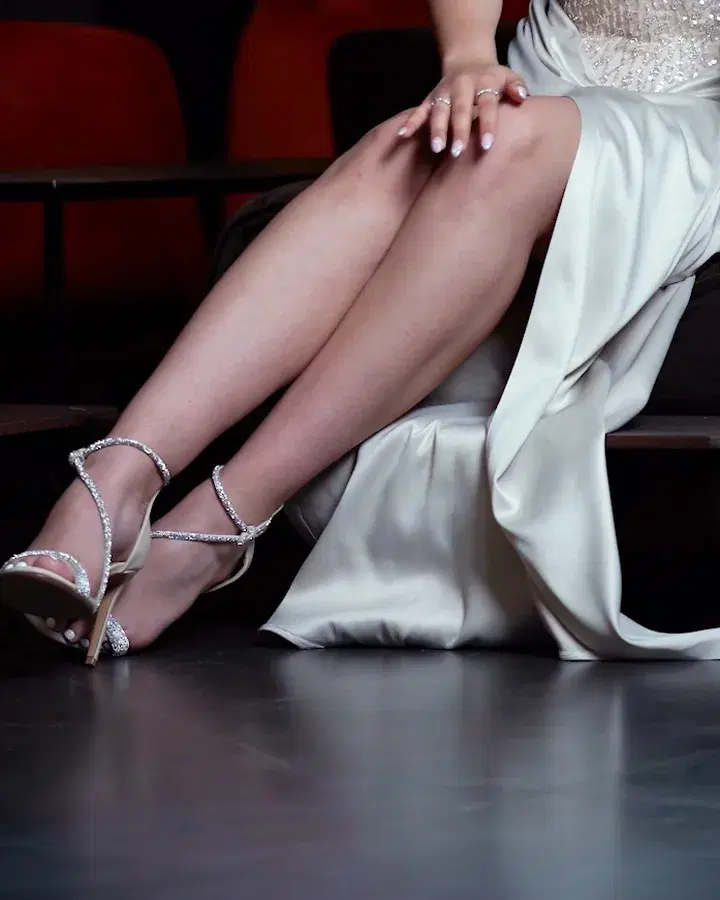
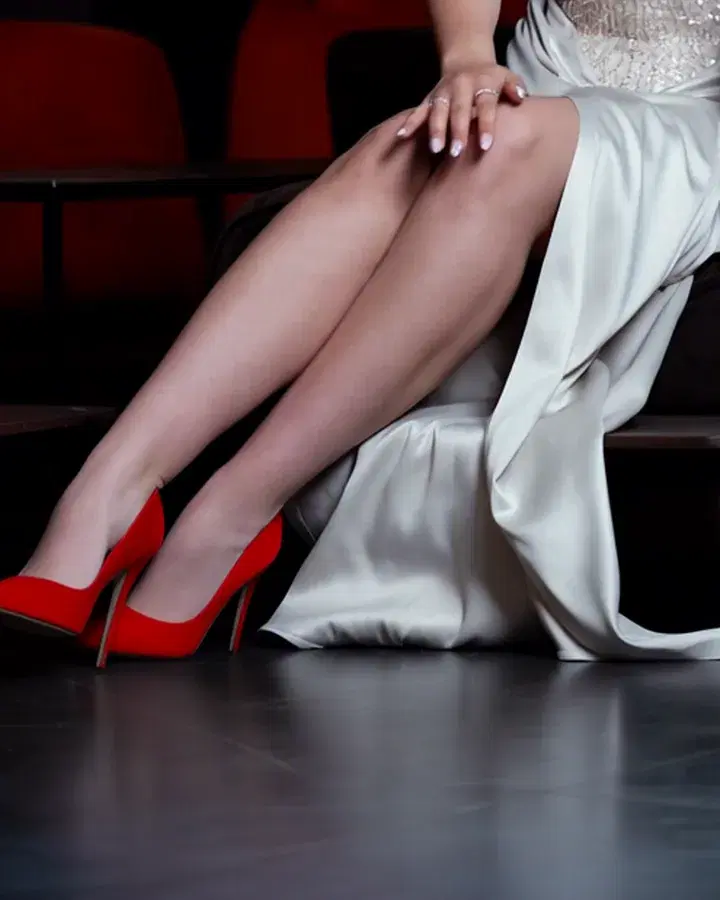
Photo essentials
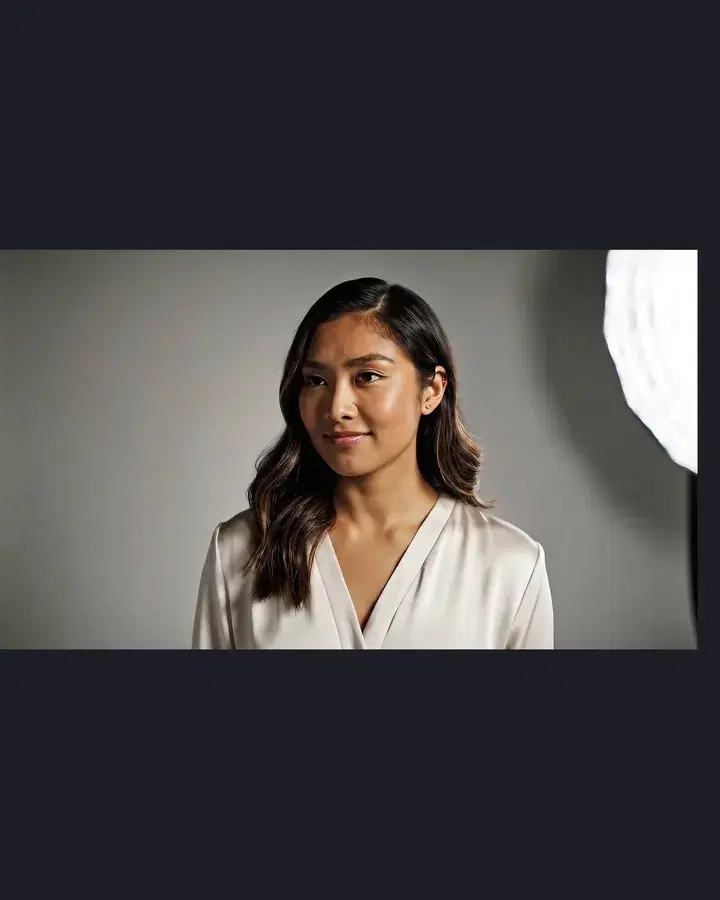
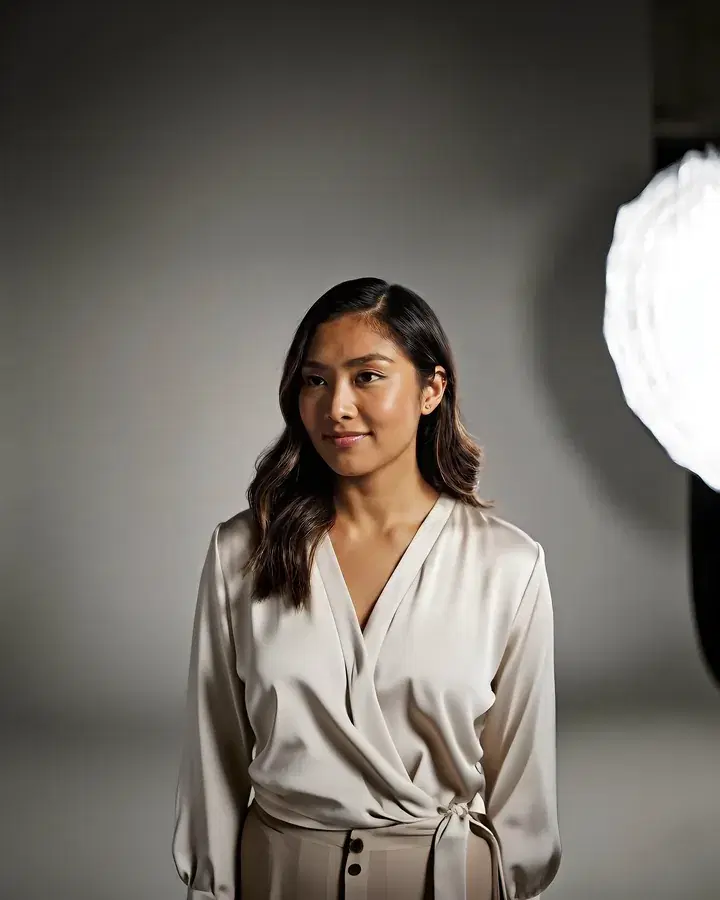 BeforeTaller
Expand a photo
Make a photo wider or taller. The new space is filled in to match.
Pro and Max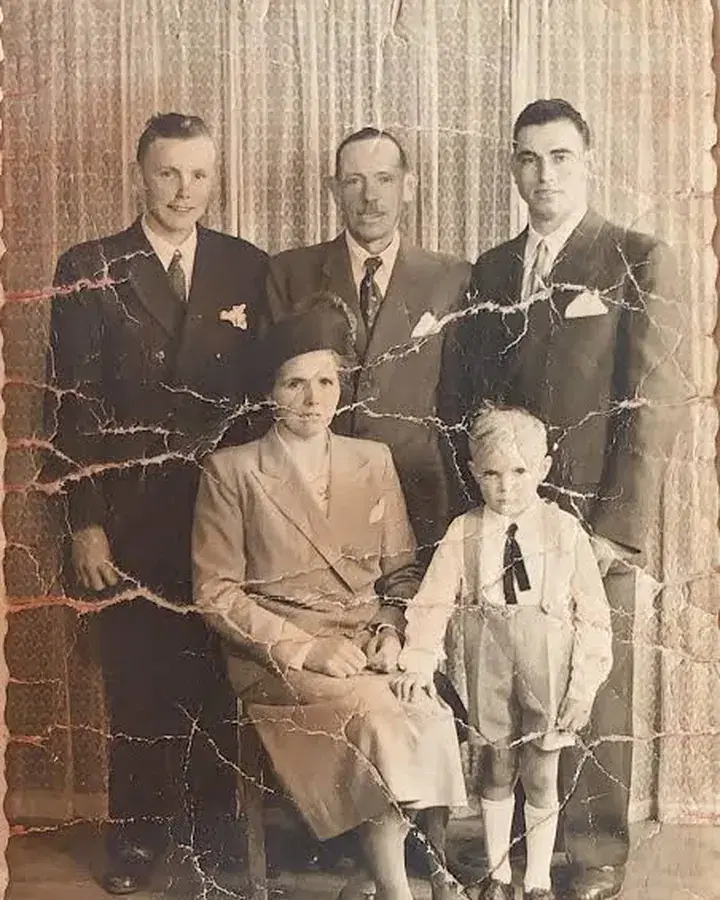
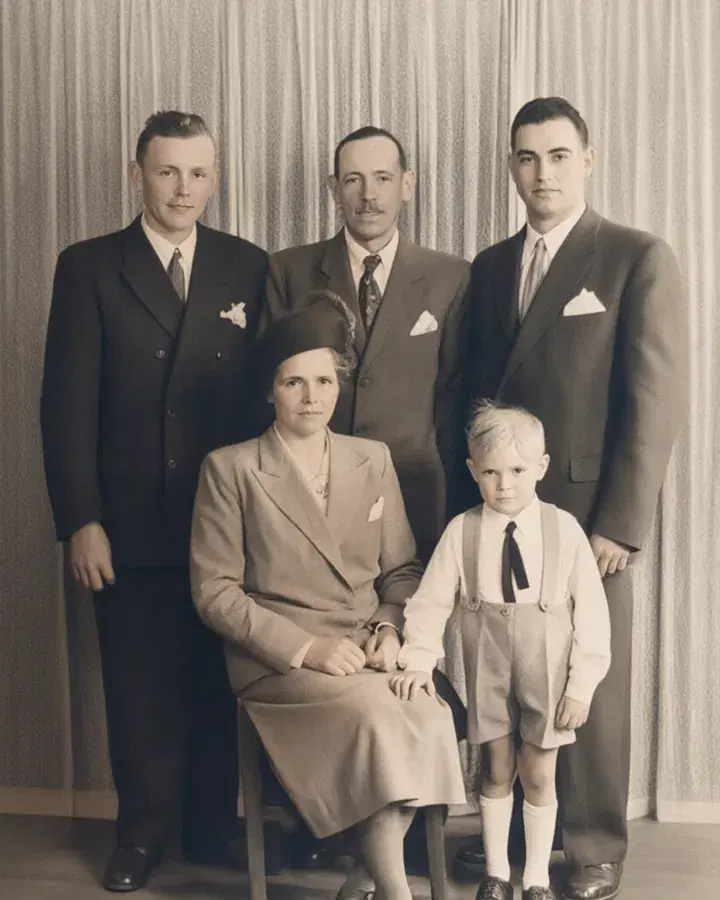 BeforeRestored
Restore an old photo
Repair scratches, blur and faded colours, and bring back lost detail.
Pro and Max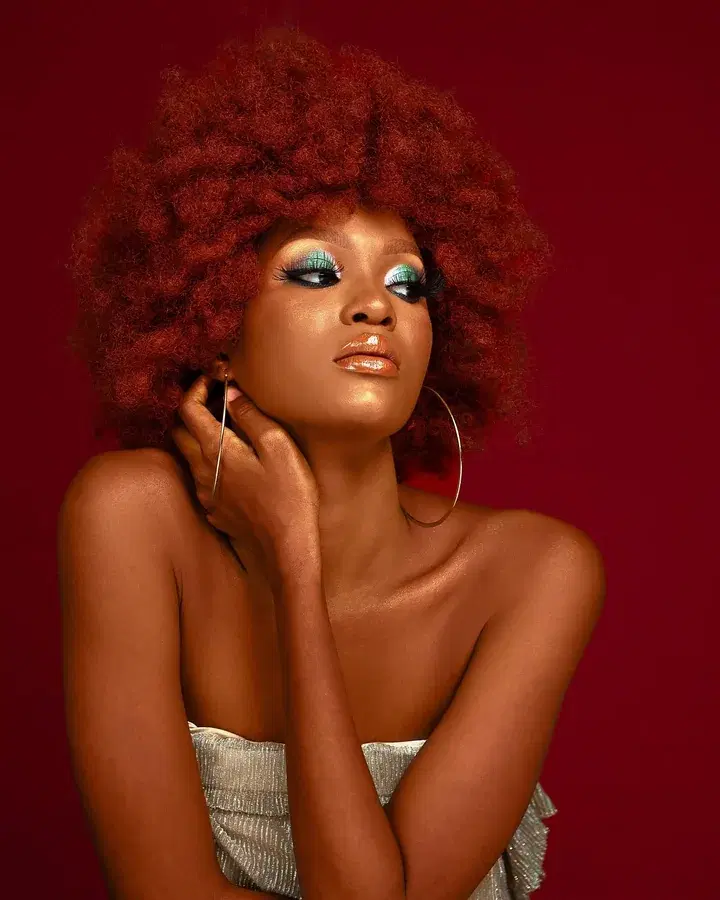
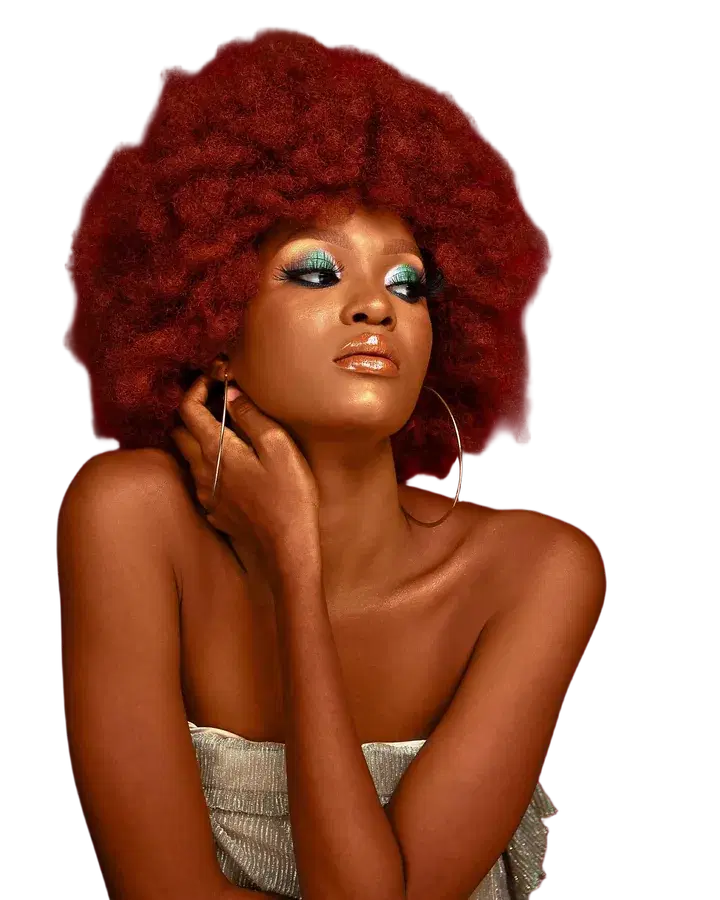 BeforeTransparent
Remove background
Cut out the subject of a photo, on a transparent or plain background.
Pro and Max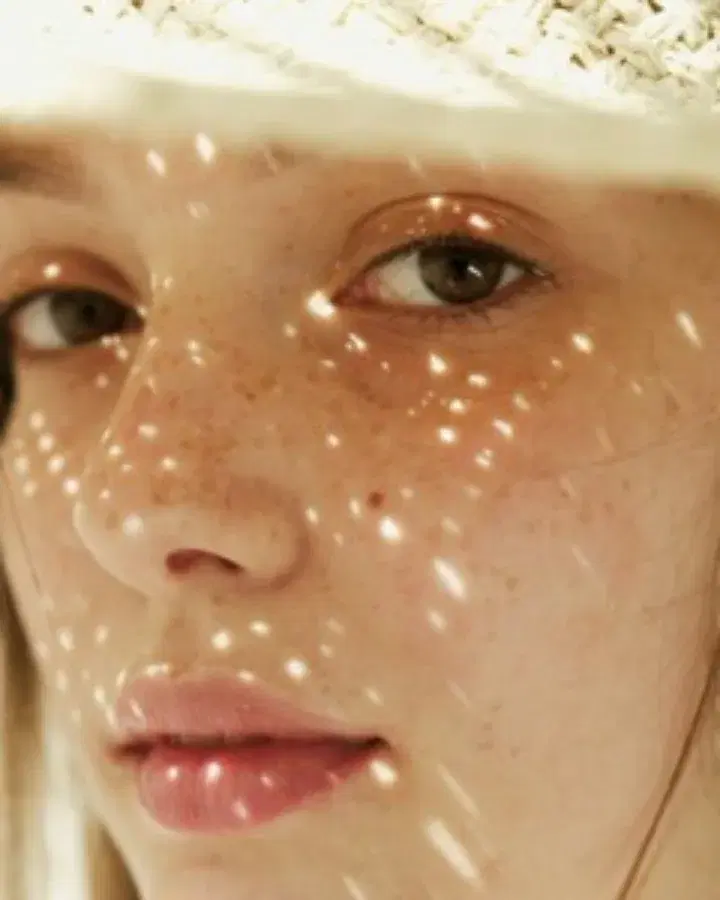
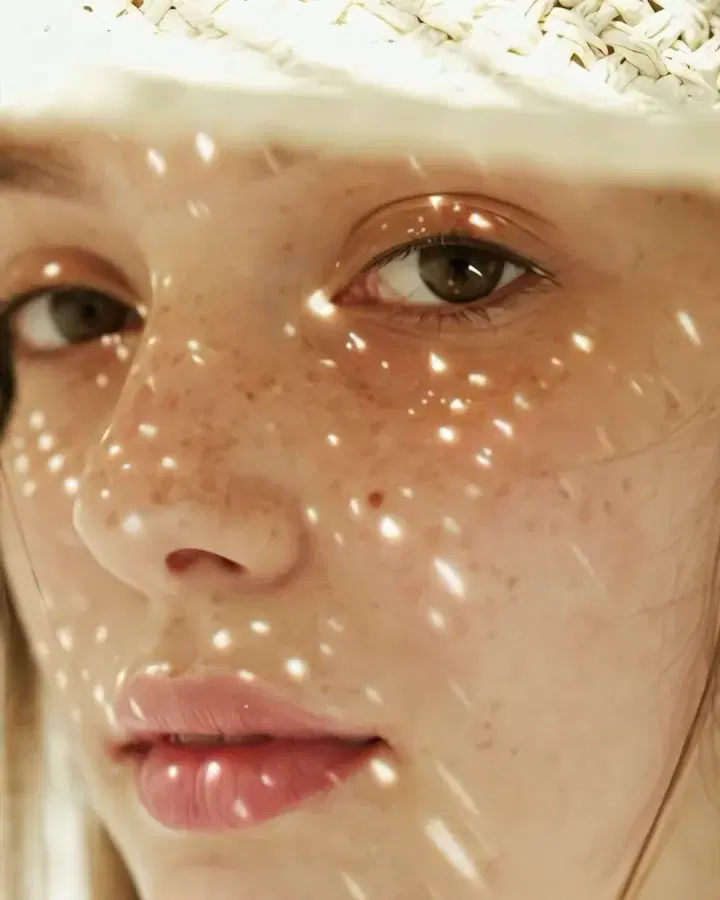 Small photo4x
Upscale a photo
Make a small photo two or four times larger, sharper and cleaner.
Pro and Max
Make videos
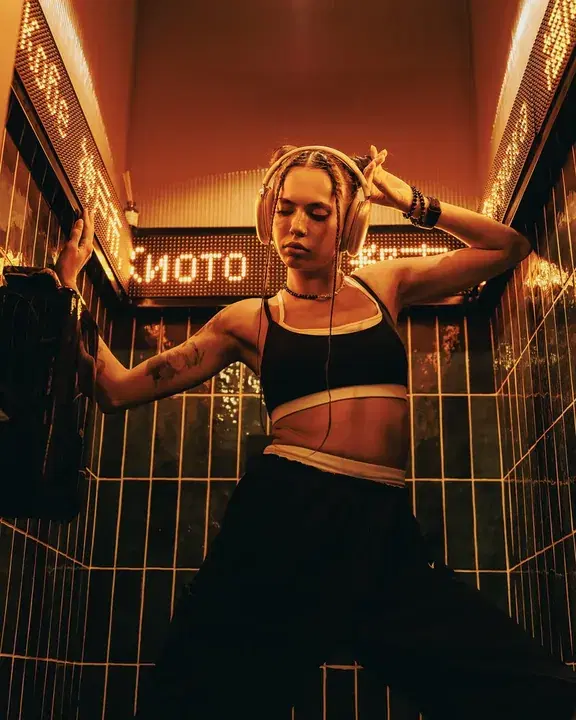
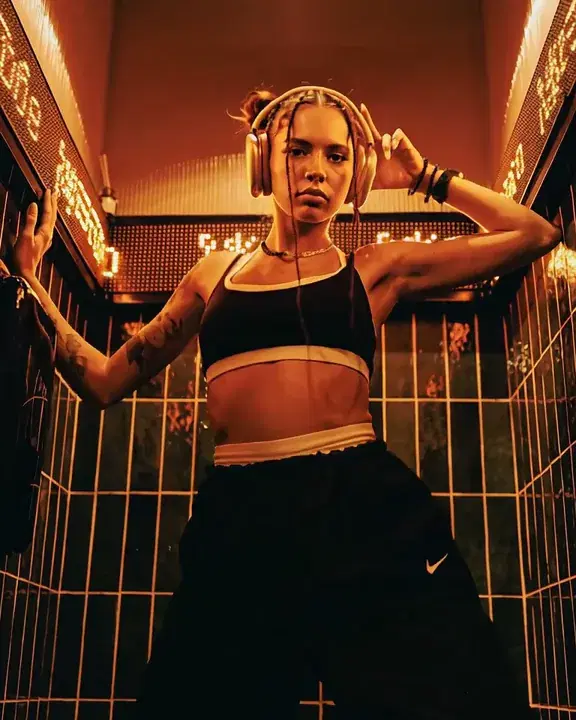
Video effects
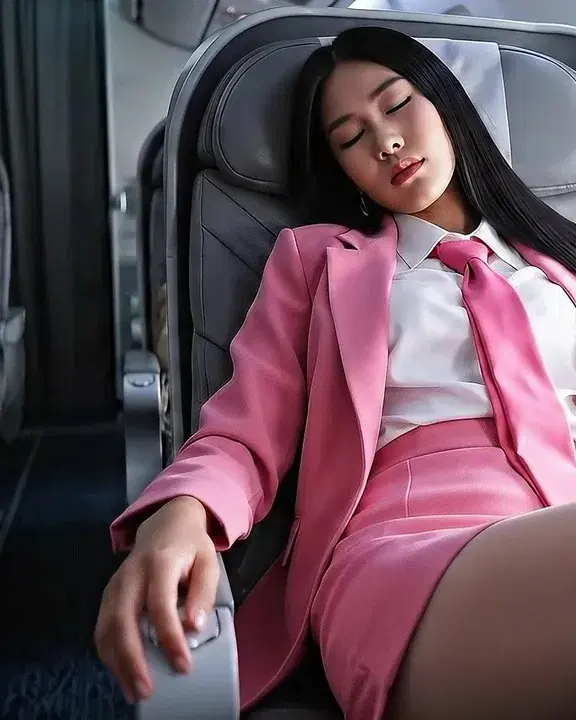
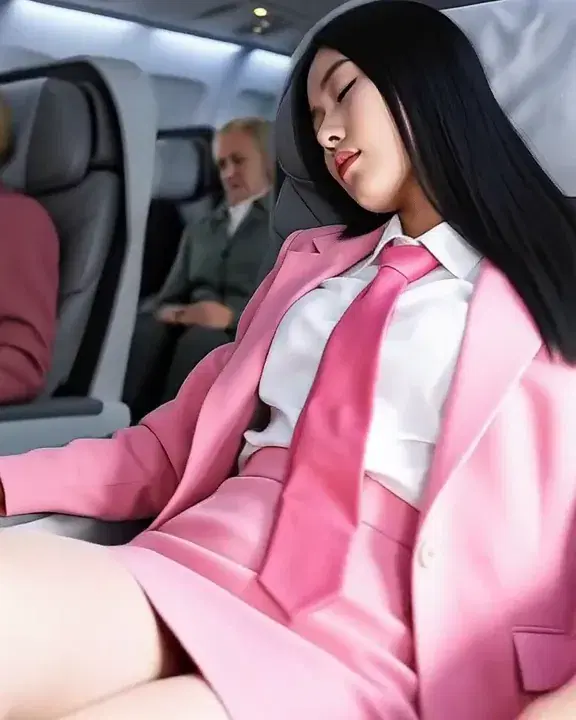 Your photo360°
360° spin
Freeze a moment and circle the camera all the way round it.
Pro and Max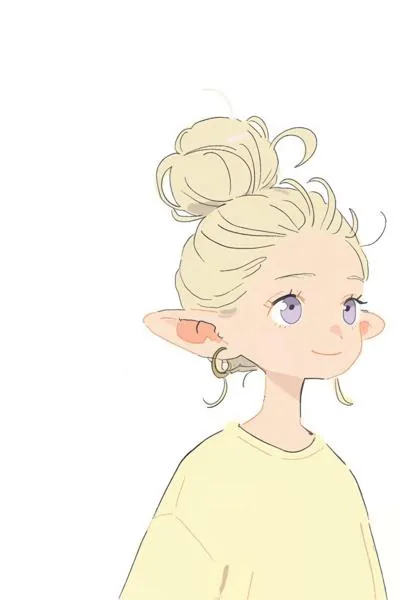 1
1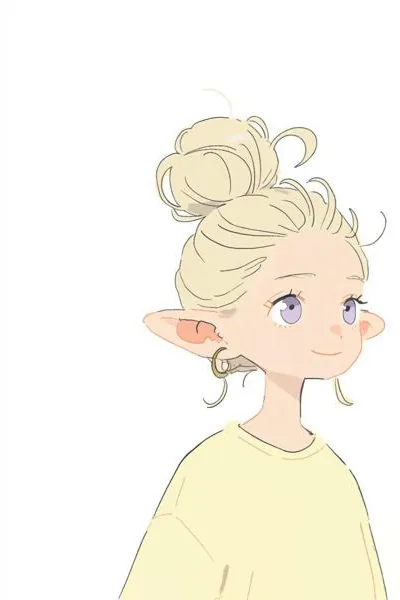 2
2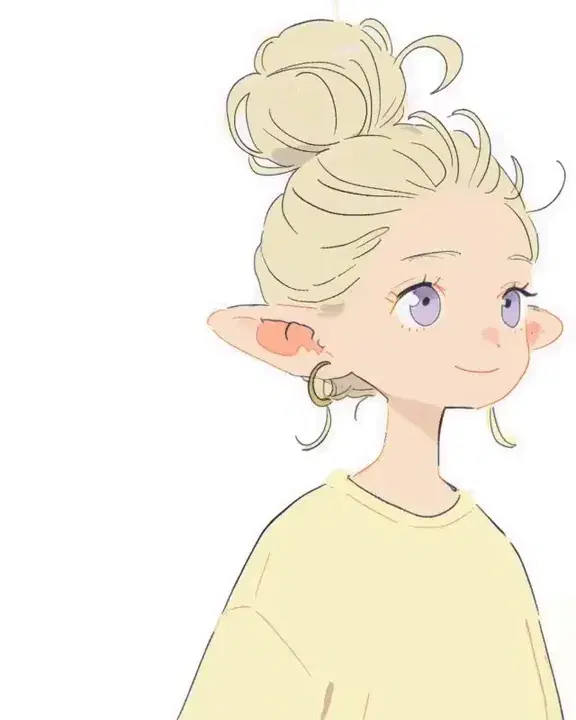 Your drawingsIn-betweens
Animate drawings
Turn your drawings into hand-drawn animation: the next pose, or the in-betweens.
Pro and Max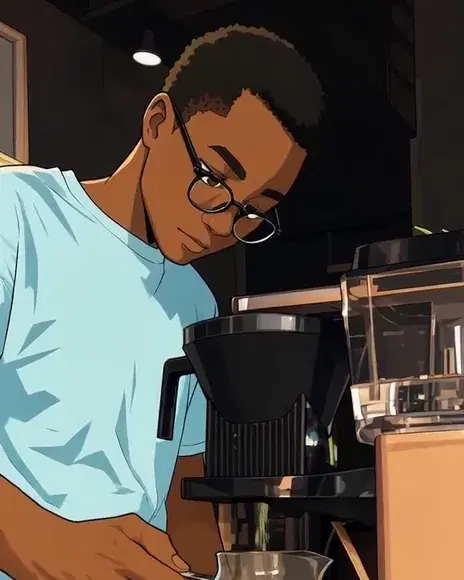 Your clipAnime
Restyle a clip
Turn your clip into anime, a watercolour, a comic and more, with the same motion.
Pro and Max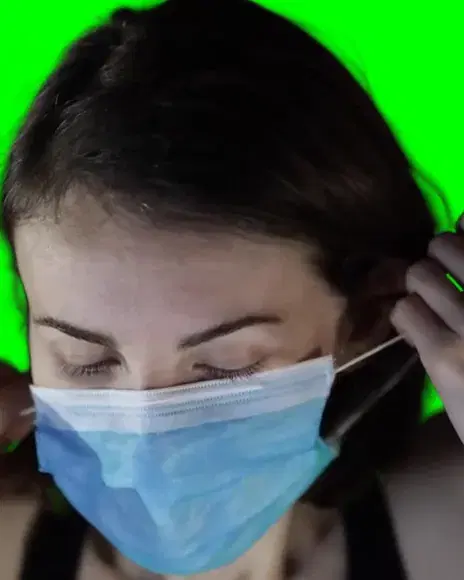 Your clipOn green
Remove video background
Cut the subject out of a clip and put it on green, black or white.
Pro and Max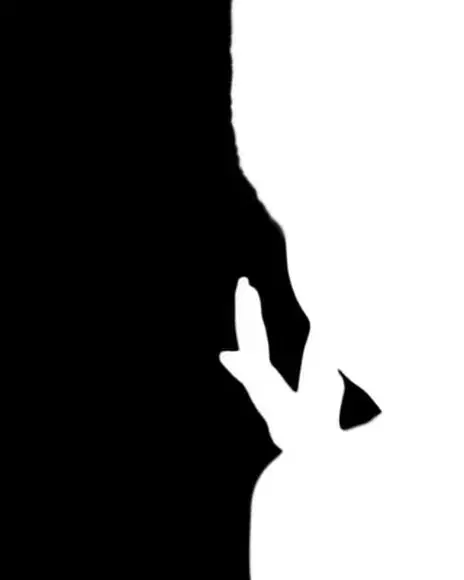 Your clipMatte
Make a video matte
Your subject in white on black in every frame: a mask for your video editor.
Pro and Max Your clip and photoSwapped
Swap a character
Put the character from your photo in place of someone in your clip.
Pro and Max
Try everything for 7 days — $1
Every tool, any model, video with sound. One flat price after that — cancel anytime.