
Restore old photos with AI
Bring old family photos back: scratches and blur repaired, faded and yellowed colours made natural, faces kept as they were.
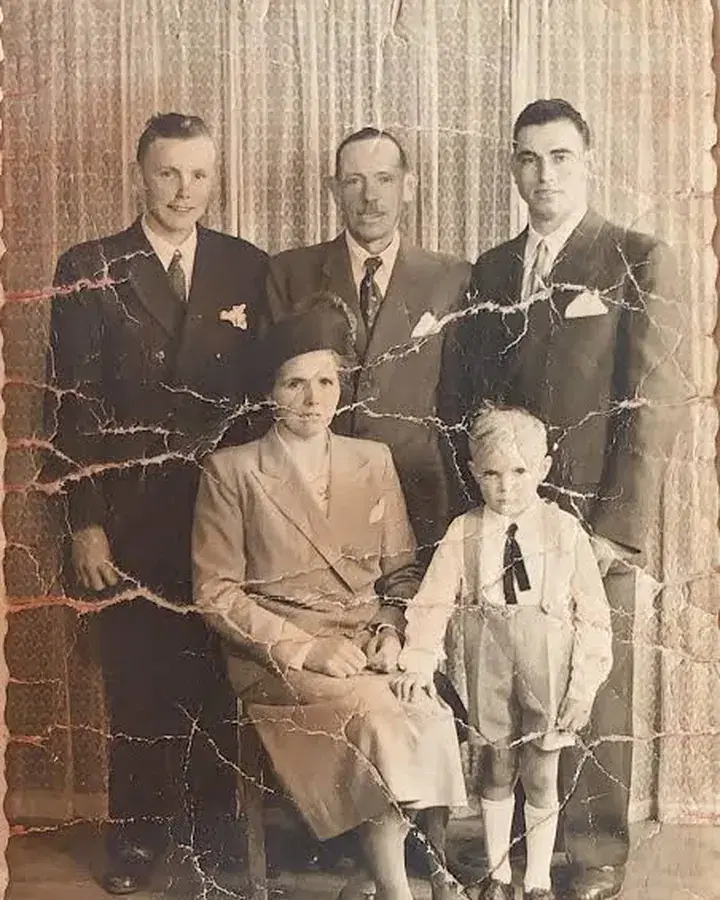
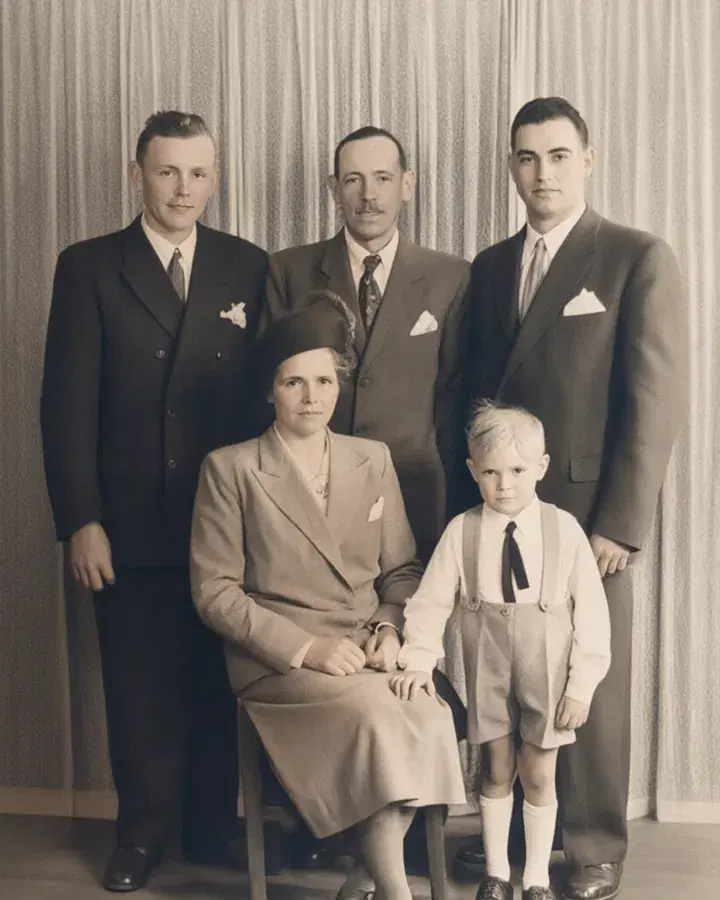 BeforeRestored
How it works
Upload a scan or a photo of the print.
Press Restore.
Download the restored photo.
What people use it for
- Family albums
- Scanned prints and slides
- Gifts for relatives
Questions
Will faces change?
No: faces and the scene are kept; damage, blur and fading are what's fixed.
Can it make a small scan bigger?
Yes: run the result through Upscale a photo for two or four times the size.
How much does it cost?
It comes with Pro and Max: one flat monthly price, no credits. New members can try Pro 7 days for $1.
More tools like this
All tools
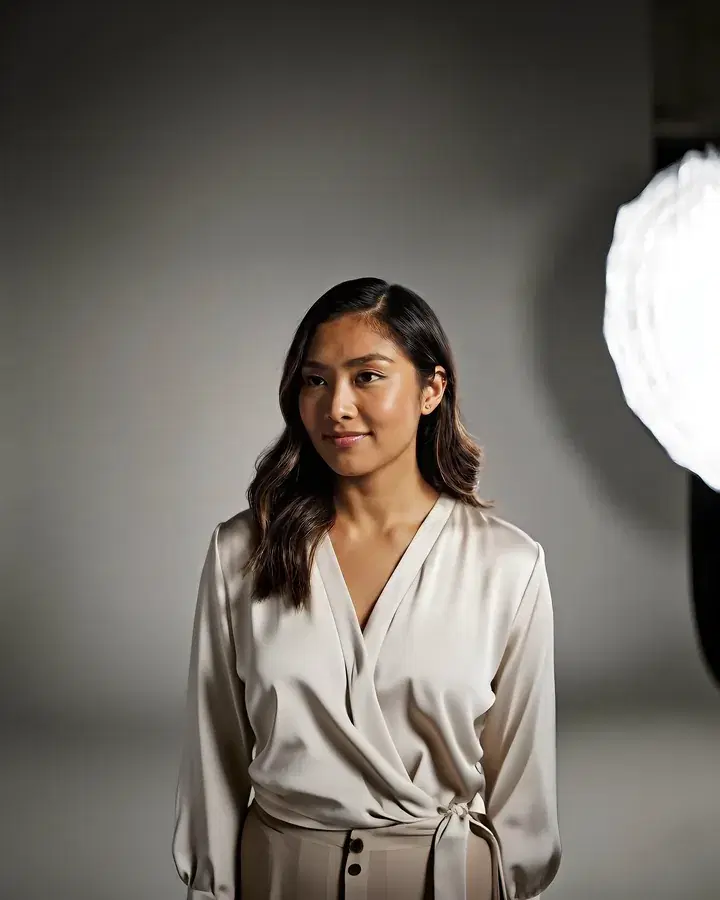 BeforeTaller
Expand a photo
Make a photo wider or taller. The new space is filled in to match.
Pro and Max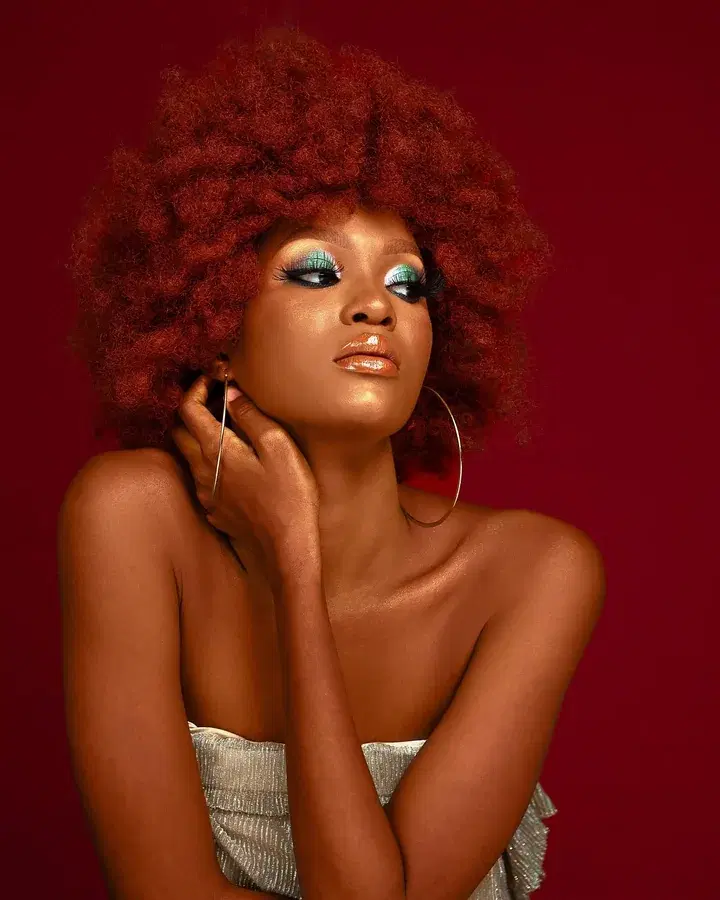
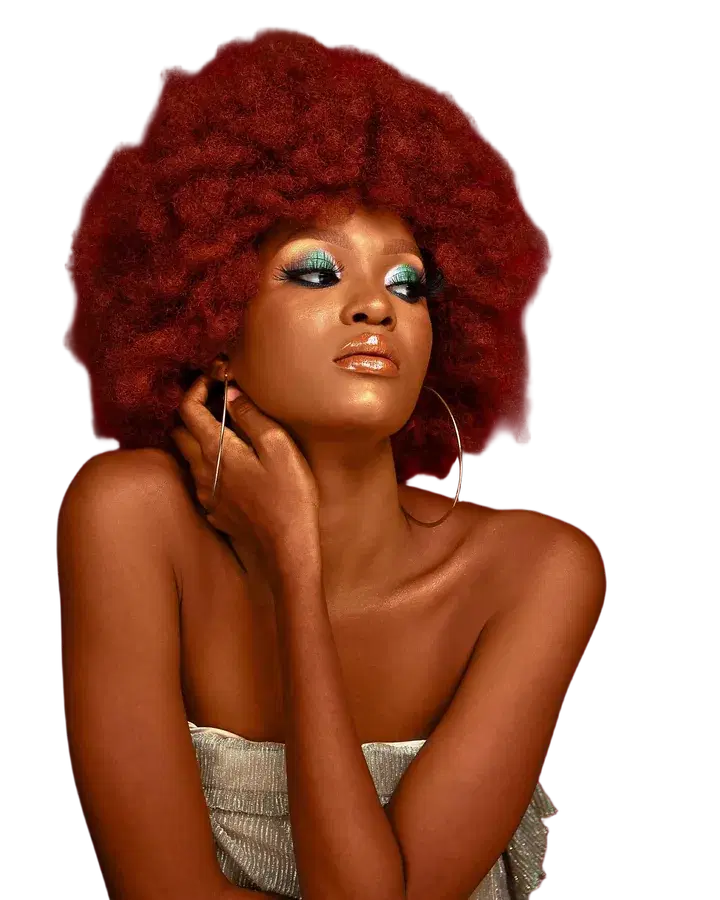 BeforeTransparent
Remove background
Cut out the subject of a photo, on a transparent or plain background.
Pro and Max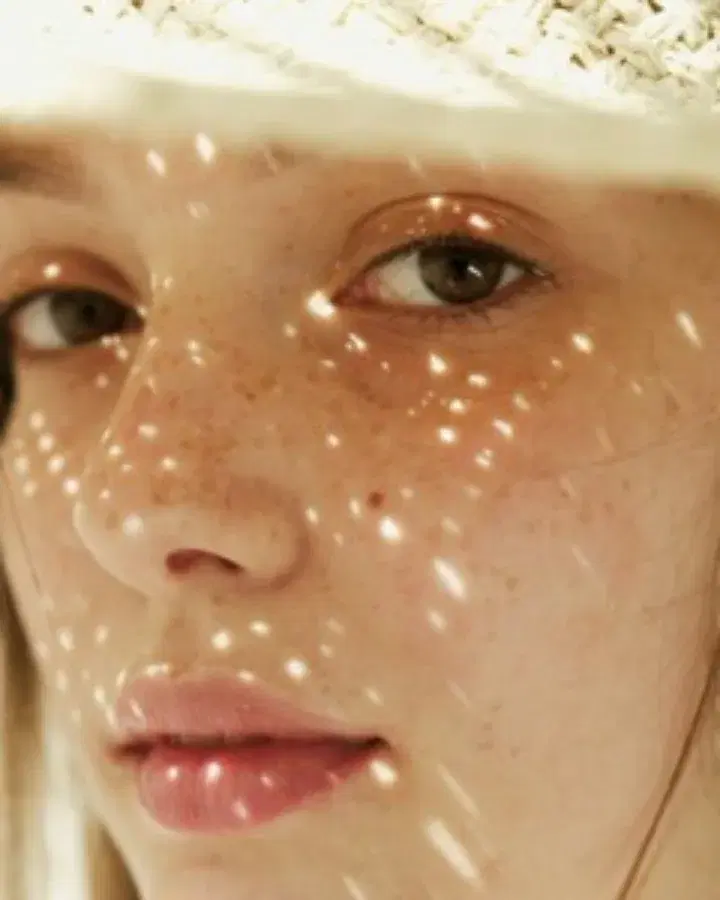
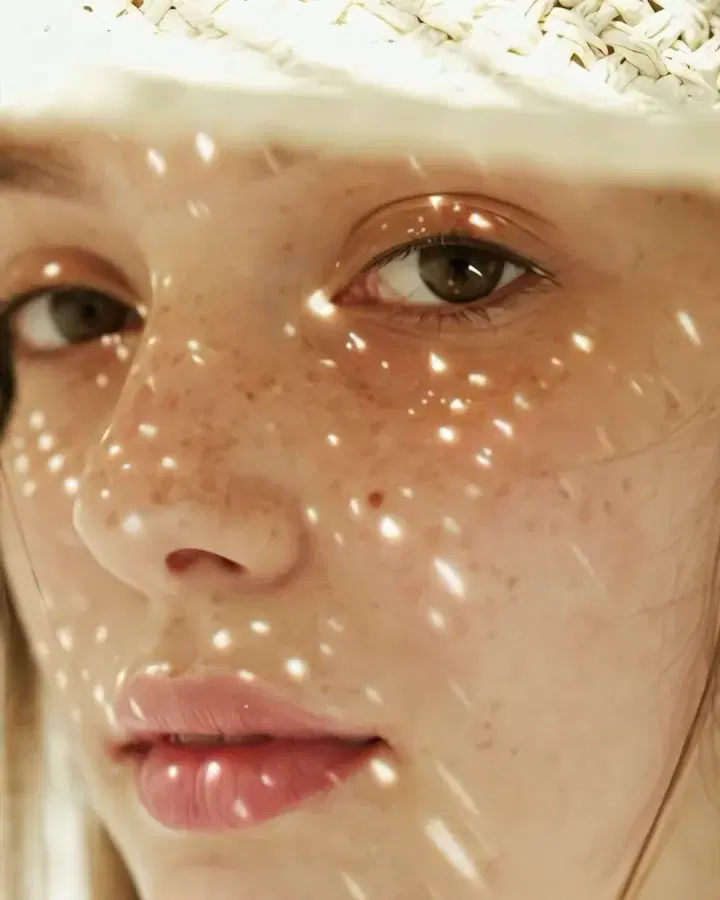 Small photo4x
Upscale a photo
Make a small photo two or four times larger, sharper and cleaner.
Pro and MaxA coastal village at sunset, colorful houses on a cliff, fishing boats in the harbor
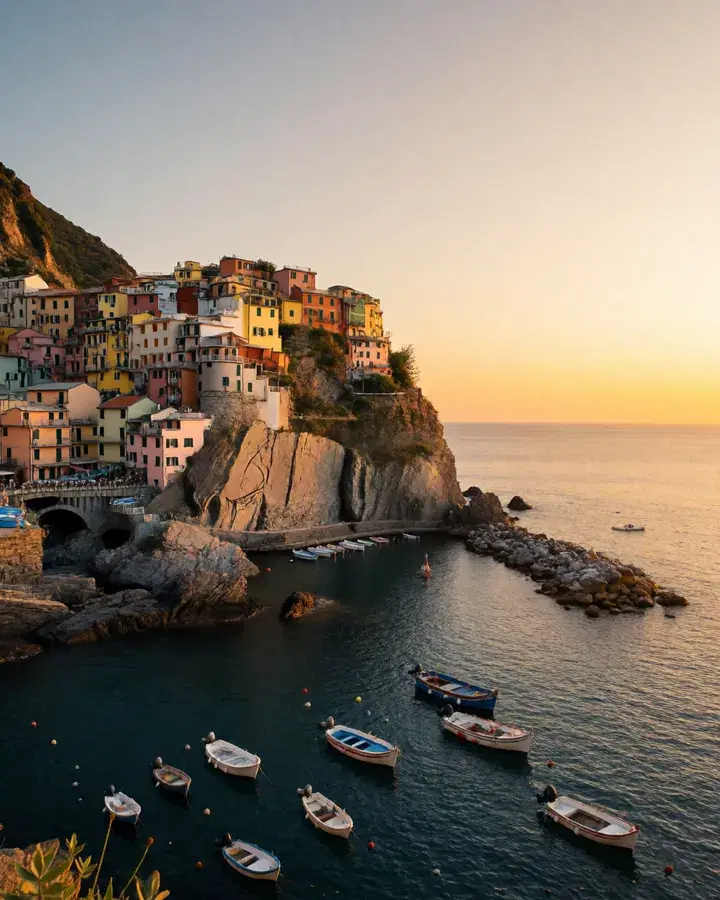 Your wordsPhoto
Create a realistic image
Describe a picture in your own words and get a lifelike photo.
In every plan
Try everything for 7 days — $1
Every tool, any model, video with sound. Cancel anytime.