
Run CivitAI models online
Pick any checkpoint or LoRA from CivitAI and run it in your browser on our GPUs. We suggest the right model for your words; you can change everything.
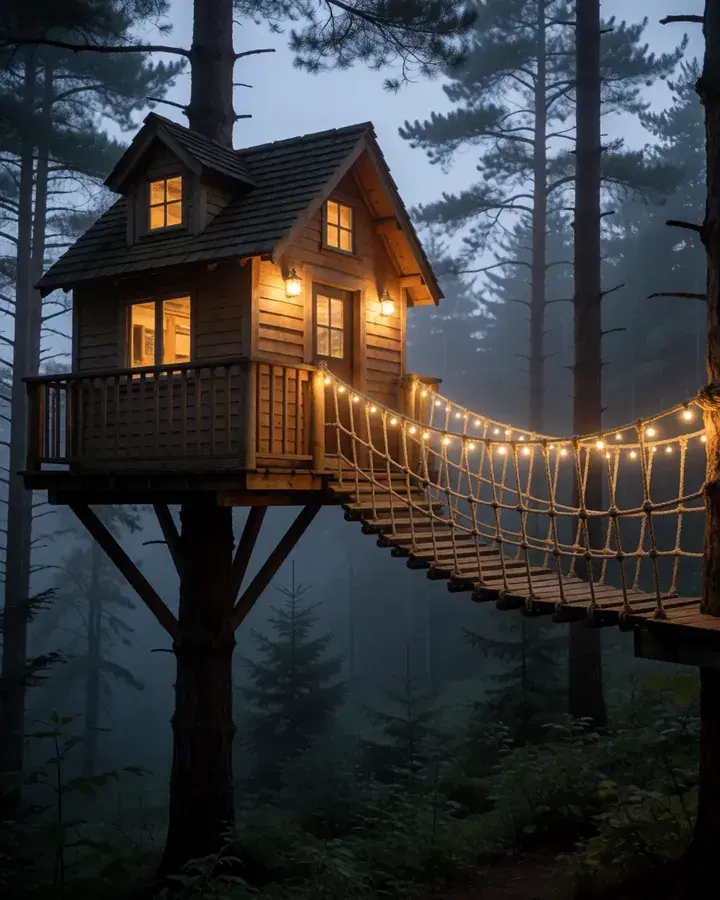
A treehouse glowing at dusk in a misty pine forest, string lights along its rope bridge
 Your wordsPicture
How it works
Describe your image, or pick a model you like.
Add LoRAs for a character, a style or a mood.
Fine-tune the settings and generate.
What people use it for
- Testing new checkpoints without a GPU
- Characters and styles with LoRAs
- Reusing settings from an image you love
Questions
Which model families run?
Illustrious, Anima, Krea 2 and Qwen-Image 2.1, the families most CivitAI creators publish for today.
How many LoRAs can I stack?
Up to ten on one image, each with its own strength.
Do I need my own GPU or ComfyUI?
No. Everything runs on our GPUs with tuned workflows; you only pick and press Generate.
How much does it cost?
It comes with Pro and Max: one flat monthly price, no credits. New members can try Pro 7 days for $1.
More tools like this
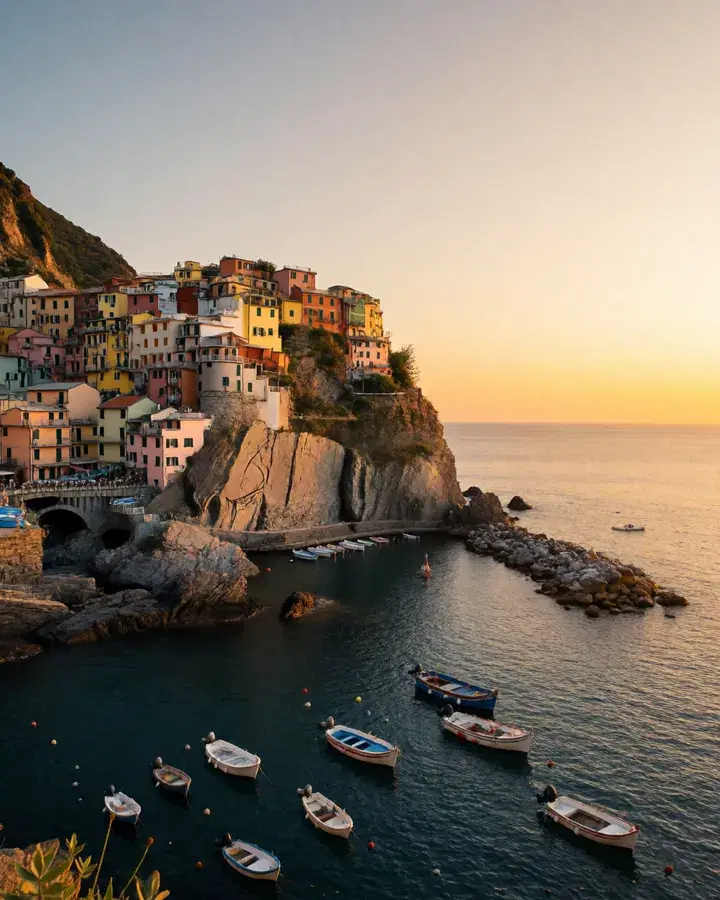
All toolsA coastal village at sunset, colorful houses on a cliff, fishing boats in the harbor
 Your wordsPhoto
Create a realistic image
Describe a picture in your own words and get a lifelike photo.
In every planA coastal village at sunset, colorful houses on a cliff, fishing boats in the harbor
 Your wordsCartoon
Create a cartoon image
Describe a picture in your own words and get an anime or cartoon drawing.
In every plan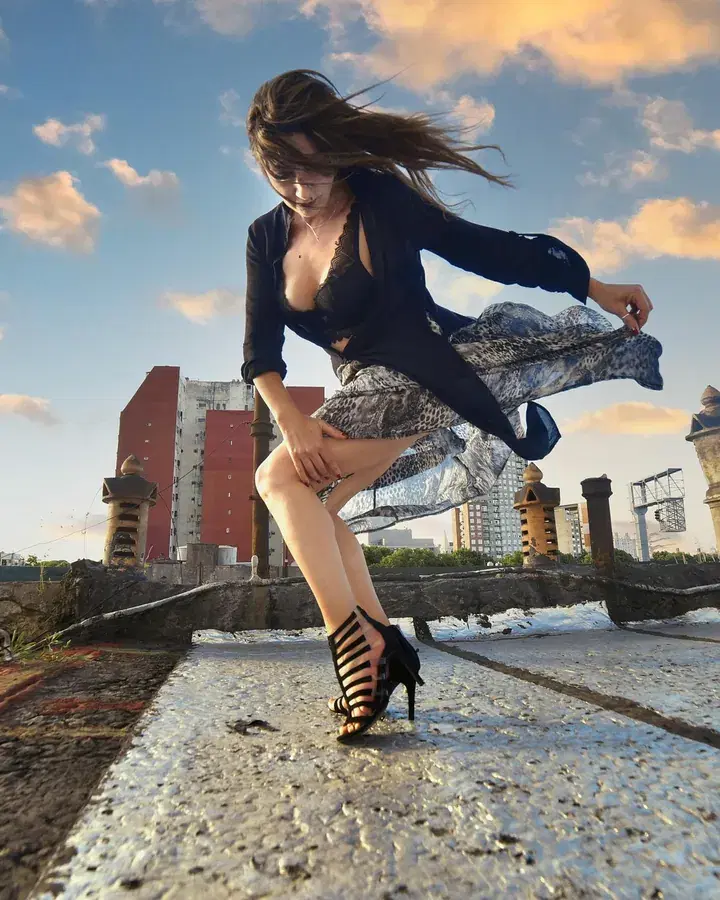
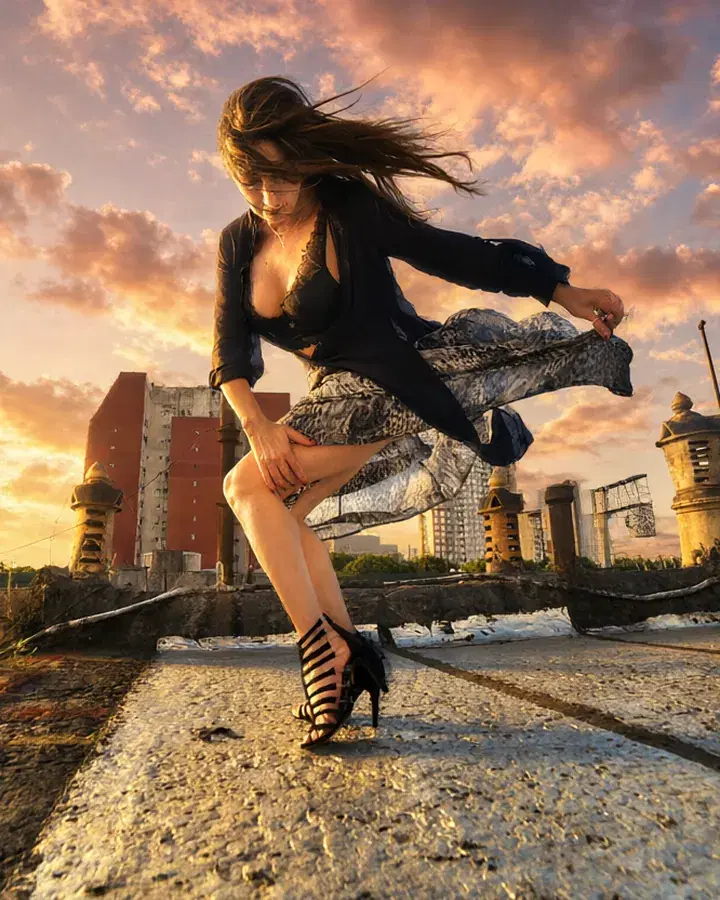 BeforeAfter“Make it golden hour, with a glowing sunset sky.”
Edit with words
Say what should change, and the photo changes to match.
In every plan
 MarkedAfter“a bouquet of red roses”
Edit part of a photo
Mark an area, then say what goes there — or erase it. Nothing else changes.
Pro and Max
Try everything for 7 days — $1
Every tool, any model, video with sound. Cancel anytime.