
Video effects · In Pro and Max
AI video matte and rotoscoping
Automatic rotoscoping: your subject in white on black in every frame, ready to use as a mask in your editor.
You'll need: a video clip Private gallery Cancel anytime
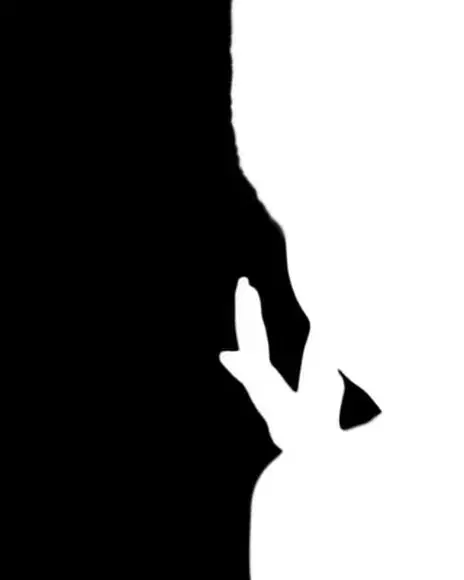 Your clipMatte
How it works
Upload a clip.
Press Generate.
Download the matte.
What people use it for
- Compositing and VFX
- Colour grading the subject alone
- Effects behind a person
Questions
Which editors can use it?
Any that takes a luma matte, such as Premiere Pro, DaVinci Resolve, After Effects or Final Cut.
How much does it cost?
It comes with Pro and Max: one flat monthly price, no credits. New members can try Pro 7 days for $1.
More tools like this
All tools
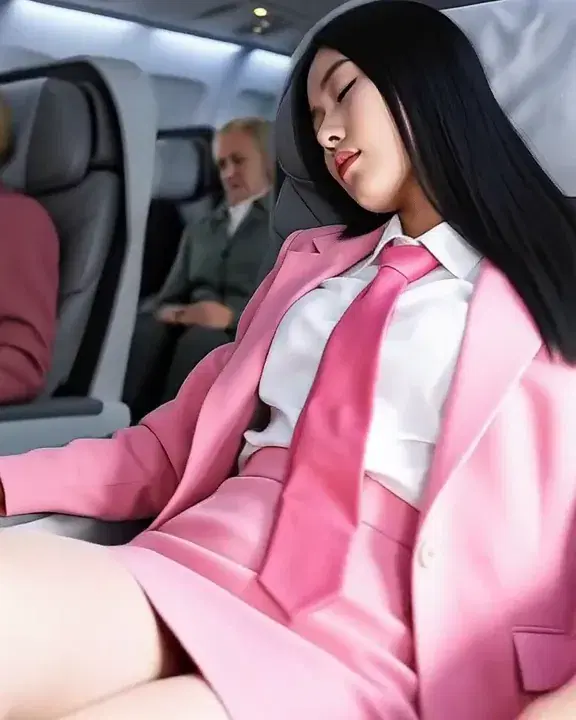 Your photo360°
360° spin
Freeze a moment and circle the camera all the way round it.
Pro and Max 1
1 2
2 Your drawingsIn-betweens
Animate drawings
Turn your drawings into hand-drawn animation: the next pose, or the in-betweens.
Pro and Max Your clipAnime
Restyle a clip
Turn your clip into anime, a watercolour, a comic and more, with the same motion.
Pro and Max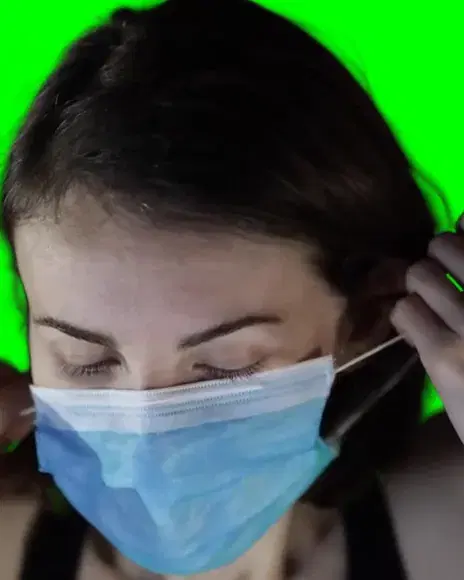 Your clipOn green
Remove video background
Cut the subject out of a clip and put it on green, black or white.
Pro and Max
Try everything for 7 days — $1
Every tool, any model, video with sound. Cancel anytime.